Understanding and Fixing the 4GB SD Card File Transfer Limit
Discover why your high-capacity SD card blocks large file transfers and learn how to reformat it using exFAT to bypass the legacy 4GB restriction.
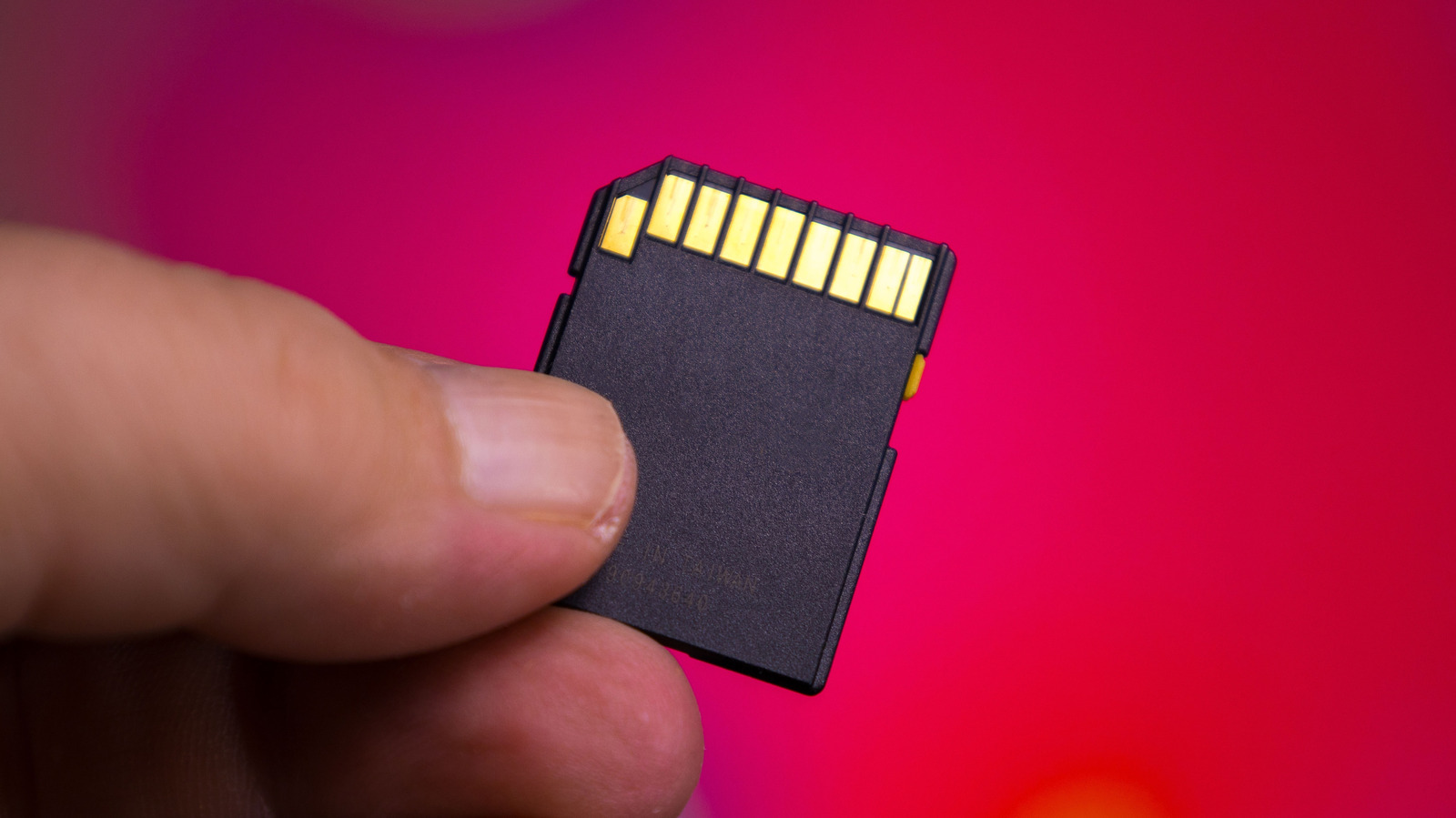 🧠AI Analysis
Photo: engadget.com
Key points
- FAT32 file systems restrict individual files to a maximum size of 4GB due to a 32-bit architectural limit.
- Reformatting the SD card to exFAT removes this restriction, allowing seamless transfers of large files like 4K videos.
- Formatting erases all existing data, making a complete backup essential prior to changing file systems.
Many users encounter an unexpected hurdle when attempting to move large files onto a high-capacity microSD card: an error message stating the file is too large, despite having ample storage available. This issue usually does not stem from a hardware defect, but rather from the legacy file system currently formatting the card. Specifically, older cards often rely on FAT32, a standard dating back to the Windows 95 era that boasts broad device compatibility yet enforces a strict ceiling of 4GB per individual file.
Because FAT32 calculates file sizes utilizing a 32-bit structure, it physically restricts any single file from crossing the threshold of roughly 4GB. While this architecture easily handles routine documents or standard images, it frequently disrupts workflows involving modern media such as 4K video recording. To store larger files, users must switch the memory card's format to exFAT, a modern file system built specifically to eliminate these historical constraints.
Before initiating any changes, users must create a complete backup of their data, as the formatting procedure will completely erase the card. It is also important to verify device compatibility, as hardware older than a decade—such as cameras predating Windows Vista SP1 or OS X Snow Leopard—may lack native exFAT support. For Windows users, the process involves navigating to File Explorer, right-clicking the drive under This PC, selecting Format, and choosing exFAT. Mac users can accomplish the same task via the Disk Utility application by selecting the card, clicking Erase, and designating exFAT as the format.
Source engadget.com — engadget.com/2313042/sd-card-4-gb-file-transfer-limit-fat32-explain… ↗
Read next
 🛍️Sales Events
Anker MagStand Qi2 Wireless Charger Hits $90 All-Time Low in Black Friday Sales
Anker's MagStand 25W wireless charging station drops to $90 at Amazon, matching its lowest price ever, while a wave of Black Friday deals covers power banks, travel charg…
 🛍️Sales Events
Black Friday Laptop Deals: Lenovo, Best Buy, and Walmart Cut Prices on ThinkBook, Yoga, and Gaming Models
Major retailers have launched Black Friday doorbuster sales on laptops, with Lenovo's ThinkBook 14x dropping to $699 and Best Buy offering a Yoga 7i 2-in-1 for $649.99.
 🧭Buying Guides
Essential Gear for Frequent Travelers: A Gift Guide
Selecting the right travel accessories can significantly reduce the stress of trip planning and packing. This guide highlights functional items designed to streamline the…
 🧭Buying Guides
Essential Guide to Choosing an EPA-Certified Wood Stove
Upgrading to a modern, EPA-certified wood stove can improve home heating efficiency while reducing particulate pollution compared to older, uncertified models.
 🏠Home & Kitchen
Art Leon Mid-Century Modern Swivel Chair Drops to $144
The Art Leon swivel office chair is currently available for $144, offering a blend of home-friendly aesthetics and functional utility.
 👟Fashion & Beauty
Black Friday Fashion and Travel Savings: J.Crew Factory, Nordstrom Rack, and More
Retailers are rolling out significant pre-Black Friday discounts on apparel and travel gear, featuring clearance markdowns and promotional codes for new customers.