How to troubleshoot a MacBook black screen before visiting the Apple Store
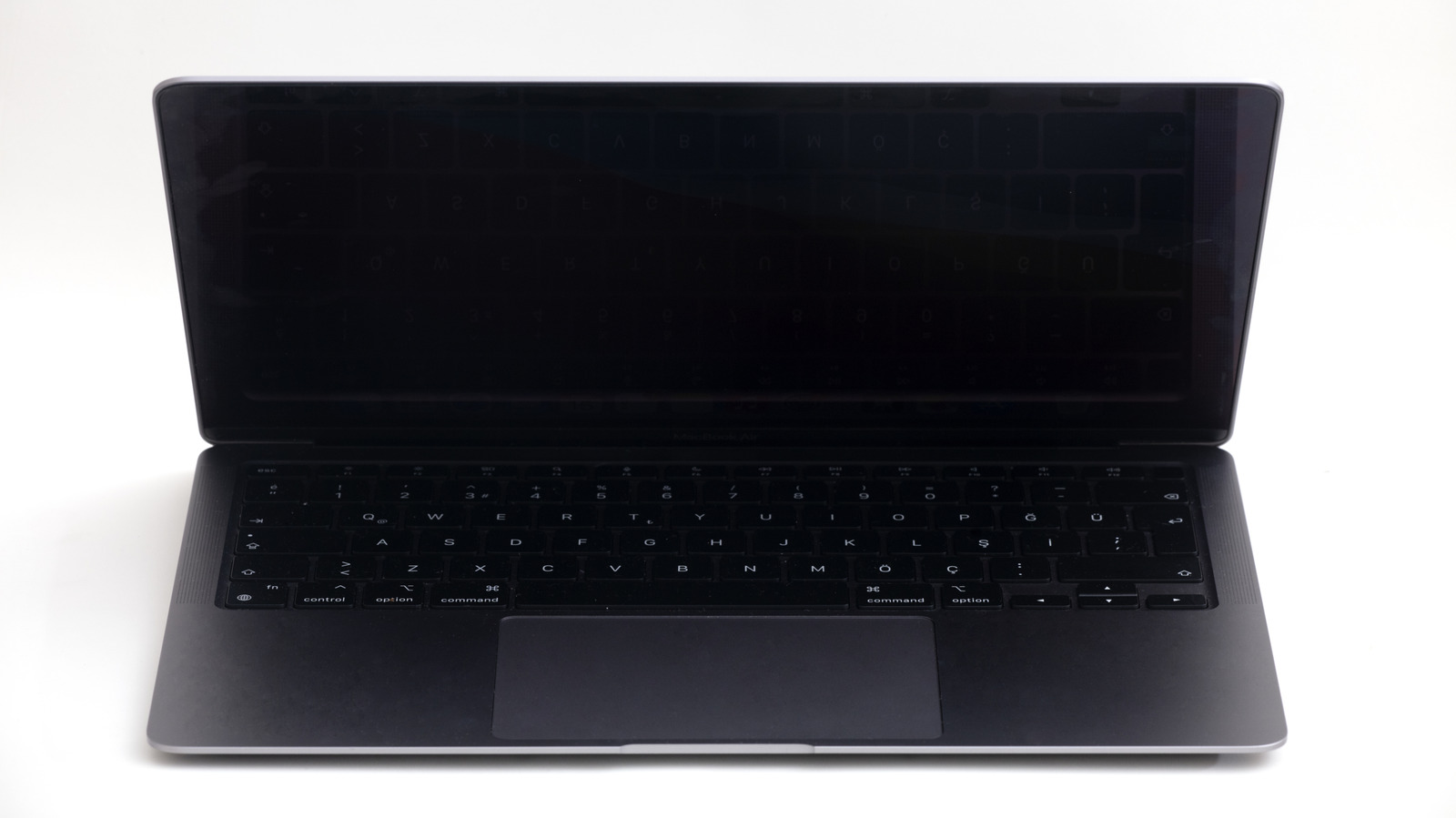
Encountering a black screen on your MacBook doesn't automatically mean your device is dead; simple power checks, forced reboots, and SMC resets can often resolve the issue at home.
 🧠AI Analysis
Photo: engadget.com
Key points
- Check power adapters and allow depleted batteries time to charge before panicking.
- Use a forced reboot or external monitor to test if the display panel is truly broken.
- Intel-based MacBooks can utilize manual SMC resets, whereas Apple Silicon handles this automatically.
Finding your MacBook frozen on a black screen can trigger immediate panic, but the underlying cause is frequently a minor software glitch rather than a catastrophic hardware failure. Before booking an expensive repair appointment at the local Apple Store, owners can run through a series of straightforward troubleshooting steps to check power delivery and system responsiveness.
Power should always be the initial diagnostic target. A laptop left dormant for days may simply lack the residual charge necessary to display a low-battery indicator, requiring a few minutes plugged into a working adapter and cable. If the machine emits startup sounds or fan noise while the display remains inactive, a forced reboot by holding down the power button can clear temporary system bugs. Connecting the laptop to an external monitor via HDMI can also isolate whether the built-in display itself is malfunctioning.
For owners of older Intel-based MacBooks, resetting the System Management Controller offers an additional layer of recovery. Depending on the exact model, holding specific combinations of the Control, Option, Shift, and Power keys can reset low-level hardware functions that control video output. Apple Silicon models manage this automatically upon rebooting.
Before you buy: Remember that hardware repairs from official channels can incur out-of-warranty fees if your device is no longer covered by AppleCare+.
Source engadget.com — engadget.com/2313043/troubleshoot-macbook-black-screen-issues/ ↗
Read next
 🛍️Sales Events
Anker MagStand Qi2 Wireless Charger Hits $90 All-Time Low in Black Friday Sales
Anker's MagStand 25W wireless charging station drops to $90 at Amazon, matching its lowest price ever, while a wave of Black Friday deals covers power banks, travel charg…
 🛍️Sales Events
Black Friday Laptop Deals: Lenovo, Best Buy, and Walmart Cut Prices on ThinkBook, Yoga, and Gaming Models
Major retailers have launched Black Friday doorbuster sales on laptops, with Lenovo's ThinkBook 14x dropping to $699 and Best Buy offering a Yoga 7i 2-in-1 for $649.99.
 🧭Buying Guides
Essential Gear for Frequent Travelers: A Gift Guide
Selecting the right travel accessories can significantly reduce the stress of trip planning and packing. This guide highlights functional items designed to streamline the…
 🧭Buying Guides
Essential Guide to Choosing an EPA-Certified Wood Stove
Upgrading to a modern, EPA-certified wood stove can improve home heating efficiency while reducing particulate pollution compared to older, uncertified models.
 🏠Home & Kitchen
Art Leon Mid-Century Modern Swivel Chair Drops to $144
The Art Leon swivel office chair is currently available for $144, offering a blend of home-friendly aesthetics and functional utility.
 👟Fashion & Beauty
Black Friday Fashion and Travel Savings: J.Crew Factory, Nordstrom Rack, and More
Retailers are rolling out significant pre-Black Friday discounts on apparel and travel gear, featuring clearance markdowns and promotional codes for new customers.