Understanding Laptop Fan Noise: Why Systems Heat Up While Idle
An exploration of why portable computers activate cooling fans during inactivity, examining background processes, power profiles, and environmental factors.
 🧠AI Analysis
Photo: engadget.com
Key points
- Background software processes and updates force processors to draw more power.
- Aggressive power modes and high ambient room temperatures increase thermal output.
- Restricted airflow from soft surfaces prevents proper ventilation and increases fan noise.
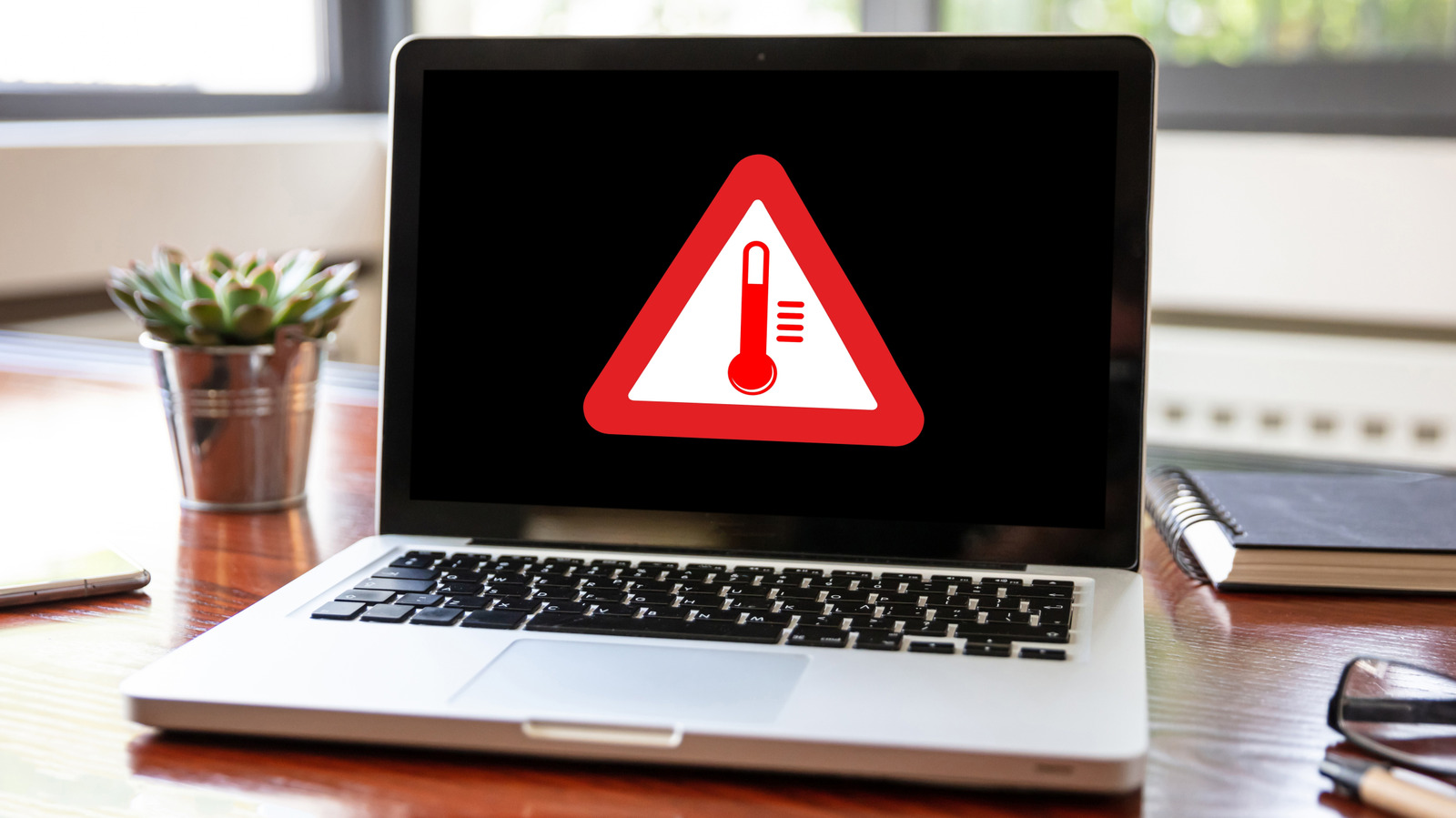
Portable computers generate internal heat during operation, relying on active cooling mechanisms to maintain safe operating temperatures. While increased fan activity is standard during intensive operations such as gaming, hearing loud fan noise while all applications are closed indicates that internal components are still under load. Manufacturers design cooling systems to manage thermal output dynamically, but various hidden factors can trigger continuous fan operation.
Hidden software tasks running in the background frequently drive up processor and memory demands without user intervention. Operating system updates, file indexing processes, and unnecessary startup applications continuously consume system resources. According to Dell and Microsoft, managing these background processes through tools like Task Manager or Activity Monitor can significantly reduce processor strain and minimize unnecessary cooling noise.
Hardware configuration and environmental placement also play critical roles in thermal management. Aggressive power profiles prioritize maximum performance over energy efficiency, leading to higher power consumption and increased heat production. Additionally, blocked ventilation openings caused by soft surfaces like beds, combined with high ambient room temperatures, restrict proper airflow and force internal fans to work harder to cool the hardware.
Source engadget.com — engadget.com/2313693/laptop-fans-spin-up-not-doing-anything-why/ ↗
Read next
 🛍️Sales Events
Anker MagStand Qi2 Wireless Charger Hits $90 All-Time Low in Black Friday Sales
Anker's MagStand 25W wireless charging station drops to $90 at Amazon, matching its lowest price ever, while a wave of Black Friday deals covers power banks, travel charg…
 🛍️Sales Events
Black Friday Laptop Deals: Lenovo, Best Buy, and Walmart Cut Prices on ThinkBook, Yoga, and Gaming Models
Major retailers have launched Black Friday doorbuster sales on laptops, with Lenovo's ThinkBook 14x dropping to $699 and Best Buy offering a Yoga 7i 2-in-1 for $649.99.
 🧭Buying Guides
Essential Gear for Frequent Travelers: A Gift Guide
Selecting the right travel accessories can significantly reduce the stress of trip planning and packing. This guide highlights functional items designed to streamline the…
 🧭Buying Guides
Essential Guide to Choosing an EPA-Certified Wood Stove
Upgrading to a modern, EPA-certified wood stove can improve home heating efficiency while reducing particulate pollution compared to older, uncertified models.
 🏠Home & Kitchen
Art Leon Mid-Century Modern Swivel Chair Drops to $144
The Art Leon swivel office chair is currently available for $144, offering a blend of home-friendly aesthetics and functional utility.
 👟Fashion & Beauty
Black Friday Fashion and Travel Savings: J.Crew Factory, Nordstrom Rack, and More
Retailers are rolling out significant pre-Black Friday discounts on apparel and travel gear, featuring clearance markdowns and promotional codes for new customers.