A Guide to Customizing App Icons and Themes on Samsung Galaxy Devices
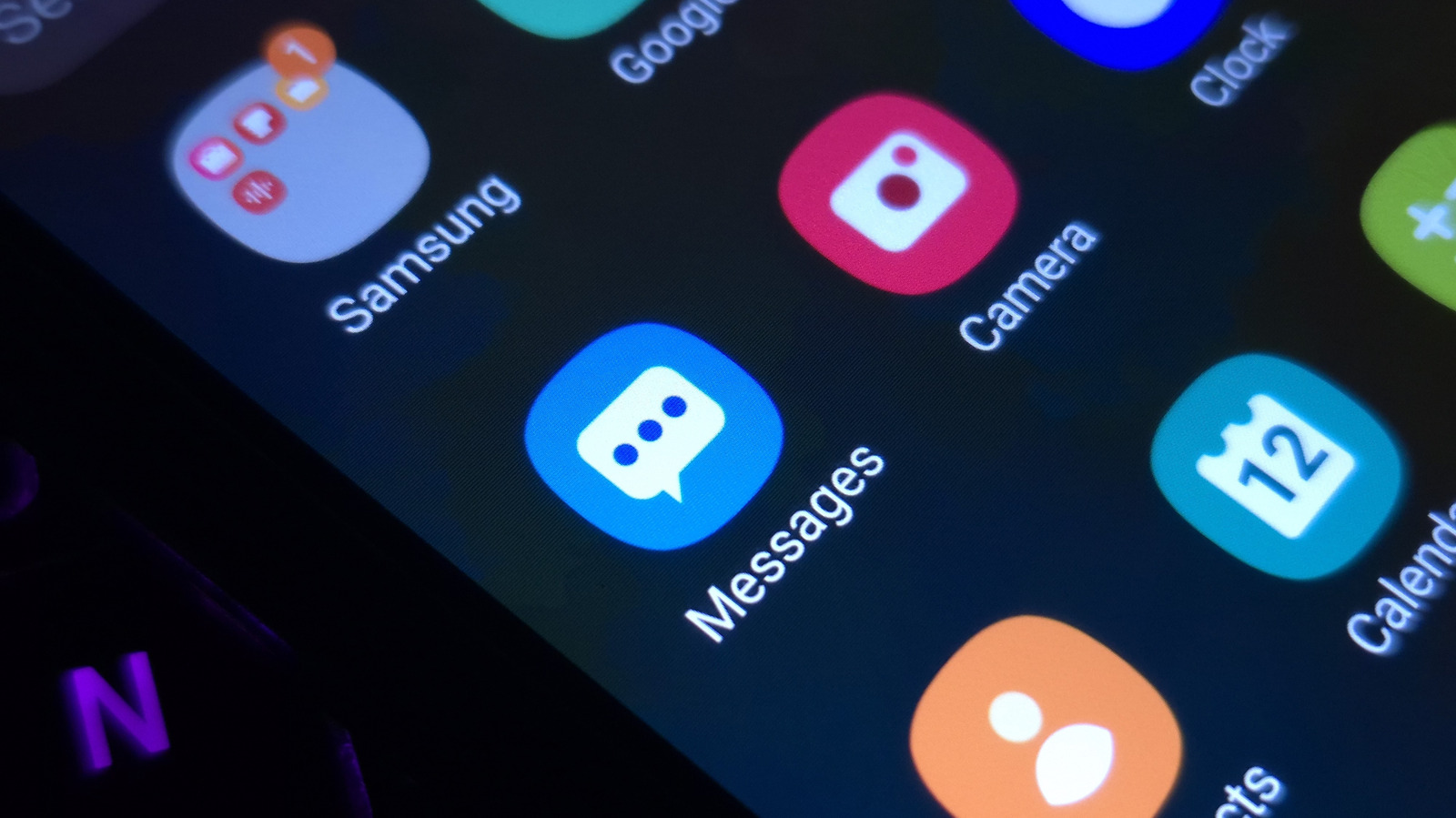
Explore official methods to personalize your Samsung Galaxy smartphone interface, from changing app icons via the Themes app to utilizing the Good Lock suite and One UI features.
 🧠AI Analysis
Photo: engadget.com
Key points
- Access the Themes app by holding an empty area on the Home screen to download and apply new icons.
- Use the Settings app and Color palette feature to match system menus and switches with your wallpaper.
- Download the official Good Lock suite from the Play Store for advanced tools like Theme Park and Home Up.
Samsung Galaxy smartphones offer extensive personalization features, allowing users to modify app icons, system colors, and home screen layouts to match their personal preferences. By utilizing native tools and official apps provided by Samsung, device owners can significantly alter the visual presentation of their phones without relying on third-party software.
Using the Themes App for Icon Customization
To begin altering app icons, unlock your Galaxy device, press and hold an empty space on the Home screen, and select Themes. Browse the available options, download your preferred packages, and navigate to the Menu option followed by My stuff to access downloaded icons and themes. Selecting an item and pressing Apply updates the look across supported interfaces. Additionally, users can adjust system-wide color palettes through the Settings app under Wallpaper and style, applying matching tones to menus, buttons, and select app icons.
Advanced Customization with Good Lock and One UI
For more granular control, Samsung provides the Good Lock suite via the Play Store, which includes modules like Theme Park for modifying individual keys, notifications, and Quick Panel switches. The Home Up application further expands these capabilities by introducing flexible app and widget placement, custom gesture animations, and advanced one-handed operation settings. Meanwhile, users running One UI 9 can take advantage of a redesigned Quick Panel with resizable and movable interface elements.
Before you apply major changes, note that built-in icon customization relies primarily on downloadable packages via the Themes app rather than importing personal image files directly.
Source engadget.com — engadget.com/2313837/change-customize-app-icons-samsung-galaxy/ ↗
Read next
 🛍️Sales Events
Anker MagStand Qi2 Wireless Charger Hits $90 All-Time Low in Black Friday Sales
Anker's MagStand 25W wireless charging station drops to $90 at Amazon, matching its lowest price ever, while a wave of Black Friday deals covers power banks, travel charg…
 🛍️Sales Events
Black Friday Laptop Deals: Lenovo, Best Buy, and Walmart Cut Prices on ThinkBook, Yoga, and Gaming Models
Major retailers have launched Black Friday doorbuster sales on laptops, with Lenovo's ThinkBook 14x dropping to $699 and Best Buy offering a Yoga 7i 2-in-1 for $649.99.
 🧭Buying Guides
Essential Gear for Frequent Travelers: A Gift Guide
Selecting the right travel accessories can significantly reduce the stress of trip planning and packing. This guide highlights functional items designed to streamline the…
 🧭Buying Guides
Essential Guide to Choosing an EPA-Certified Wood Stove
Upgrading to a modern, EPA-certified wood stove can improve home heating efficiency while reducing particulate pollution compared to older, uncertified models.
 🏠Home & Kitchen
Art Leon Mid-Century Modern Swivel Chair Drops to $144
The Art Leon swivel office chair is currently available for $144, offering a blend of home-friendly aesthetics and functional utility.
 👟Fashion & Beauty
Black Friday Fashion and Travel Savings: J.Crew Factory, Nordstrom Rack, and More
Retailers are rolling out significant pre-Black Friday discounts on apparel and travel gear, featuring clearance markdowns and promotional codes for new customers.