Demystifying USB-A: What the Letter Means and Where the Standard Stands Today
An exploration of the origins of the USB-A designation, its technical limitations, and its slow transition toward USB-C in modern hardware.
 🧠AI Analysis
Photo: engadget.com
Key points
- The letter A in USB-A is solely a physical connector designator with no hidden meaning.
- USB-A labels do not indicate specific data transfer speeds or charging power capacities.
- While USB-C is increasingly favored in modern hardware, legacy USB-A devices remain practical and useful.
Understanding the USB-A Label
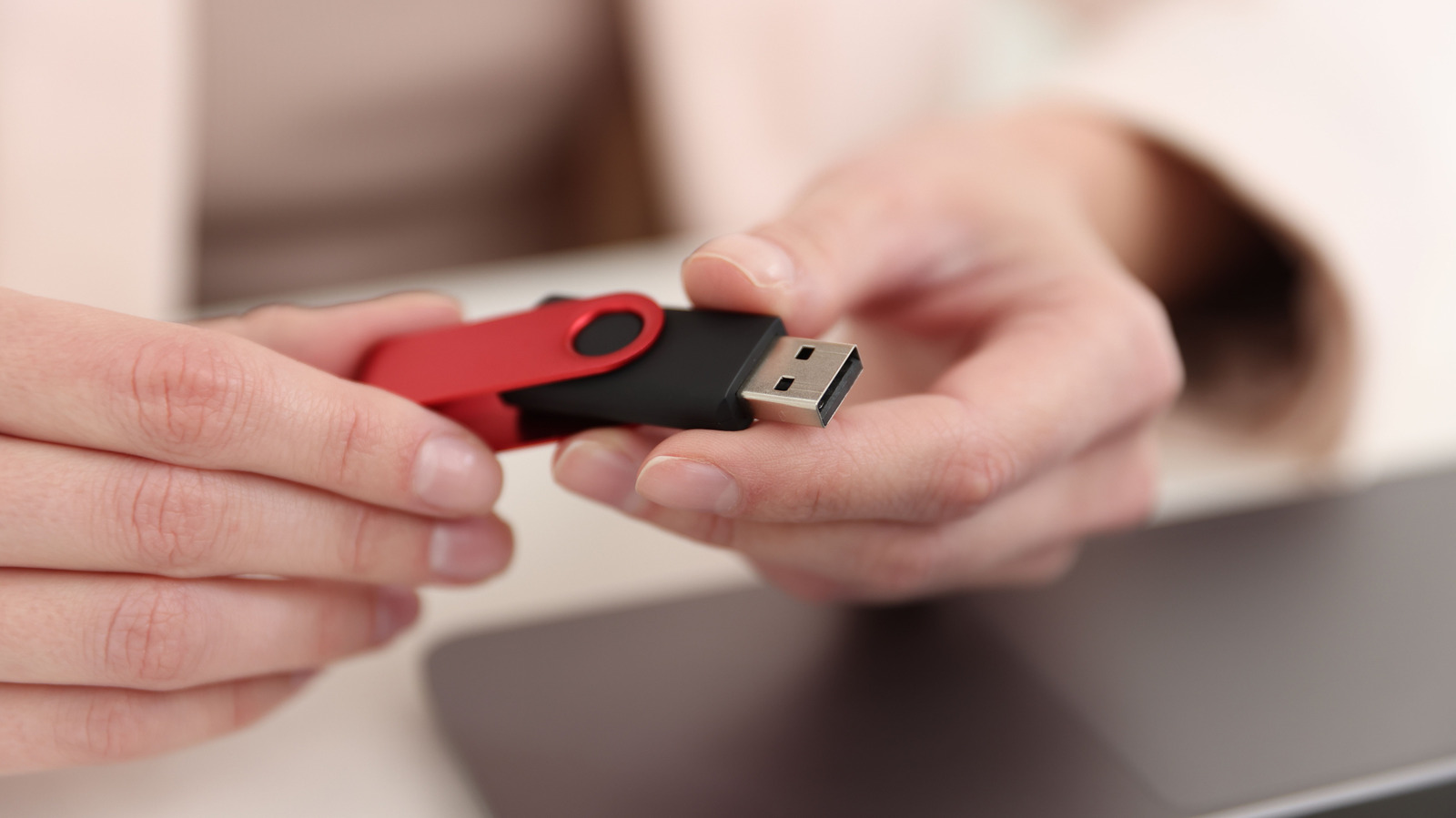
The familiar rectangular plug found on countless charging cords and flash drives carries a remarkably simple moniker. According to industry specifications, the letter "A" in USB-A serves strictly as a physical connector identifier set by the USB Implementers Forum (USB-IF). Alongside historical counterparts like USB-B, these designations were initially created to help consumers distinguish physical connection ends, such as matching a square device plug to a rectangular computer port.
Despite its widespread familiarity, the USB-A label alone offers no guarantee regarding performance capabilities. Two identical rectangular ports can house entirely different specifications, ranging from older USB 2.0 speeds capped at 480 Mbps to faster implementations supporting 5 Gbps or 10 Gbps. Furthermore, standard cables retrieved from a drawer may support data transfer and charging simultaneously, or they might be strictly limited to charging power.
Before you buy or connect: Check your computer manual and port markings, such as the trident symbol, or look for manufacturer color indicators like teal which often hint at faster connection speeds. While modern PCs increasingly favor the smaller, reversible USB-C standard, existing USB-A peripherals like mice, keyboards, and flash drives remain fully functional and rarely require immediate replacement.
Source engadget.com — engadget.com/2313849/usb-port-letter-a-meaning/ ↗
Read next
 🛍️Sales Events
Anker MagStand Qi2 Wireless Charger Hits $90 All-Time Low in Black Friday Sales
Anker's MagStand 25W wireless charging station drops to $90 at Amazon, matching its lowest price ever, while a wave of Black Friday deals covers power banks, travel charg…
 🛍️Sales Events
Black Friday Laptop Deals: Lenovo, Best Buy, and Walmart Cut Prices on ThinkBook, Yoga, and Gaming Models
Major retailers have launched Black Friday doorbuster sales on laptops, with Lenovo's ThinkBook 14x dropping to $699 and Best Buy offering a Yoga 7i 2-in-1 for $649.99.
 🧭Buying Guides
Essential Gear for Frequent Travelers: A Gift Guide
Selecting the right travel accessories can significantly reduce the stress of trip planning and packing. This guide highlights functional items designed to streamline the…
 🧭Buying Guides
Essential Guide to Choosing an EPA-Certified Wood Stove
Upgrading to a modern, EPA-certified wood stove can improve home heating efficiency while reducing particulate pollution compared to older, uncertified models.
 🏠Home & Kitchen
Art Leon Mid-Century Modern Swivel Chair Drops to $144
The Art Leon swivel office chair is currently available for $144, offering a blend of home-friendly aesthetics and functional utility.
 👟Fashion & Beauty
Black Friday Fashion and Travel Savings: J.Crew Factory, Nordstrom Rack, and More
Retailers are rolling out significant pre-Black Friday discounts on apparel and travel gear, featuring clearance markdowns and promotional codes for new customers.