Optimizing Your Home Wi-Fi: Placement and Band Selection Strategies
Learn how strategic router placement, proper antenna alignment, and correct band selection can dramatically improve your home internet speed and coverage without purchasing new hardware.
 🧠AI Analysis
Photo: engadget.com
Key points
- Central and elevated placement prevents wasted signal coverage
- Match device requirements to either the 2.4GHz or 5GHz frequency band
- Use mesh systems instead of basic extenders for large multi-story buildings
Many users experiencing slow home internet speeds or dropped connections immediately blame their internet service provider or assume their hardware is failing. However, weak Wi-Fi performance is frequently the result of poor router placement. Because routers broadcast signals in all directions, tucking a device into a corner or a cabinet causes much of the signal to broadcast uselessly outside the home. Additionally, physical obstacles like thick walls, metal objects, and electronic interference from Bluetooth devices or microwaves can severely degrade signal quality.
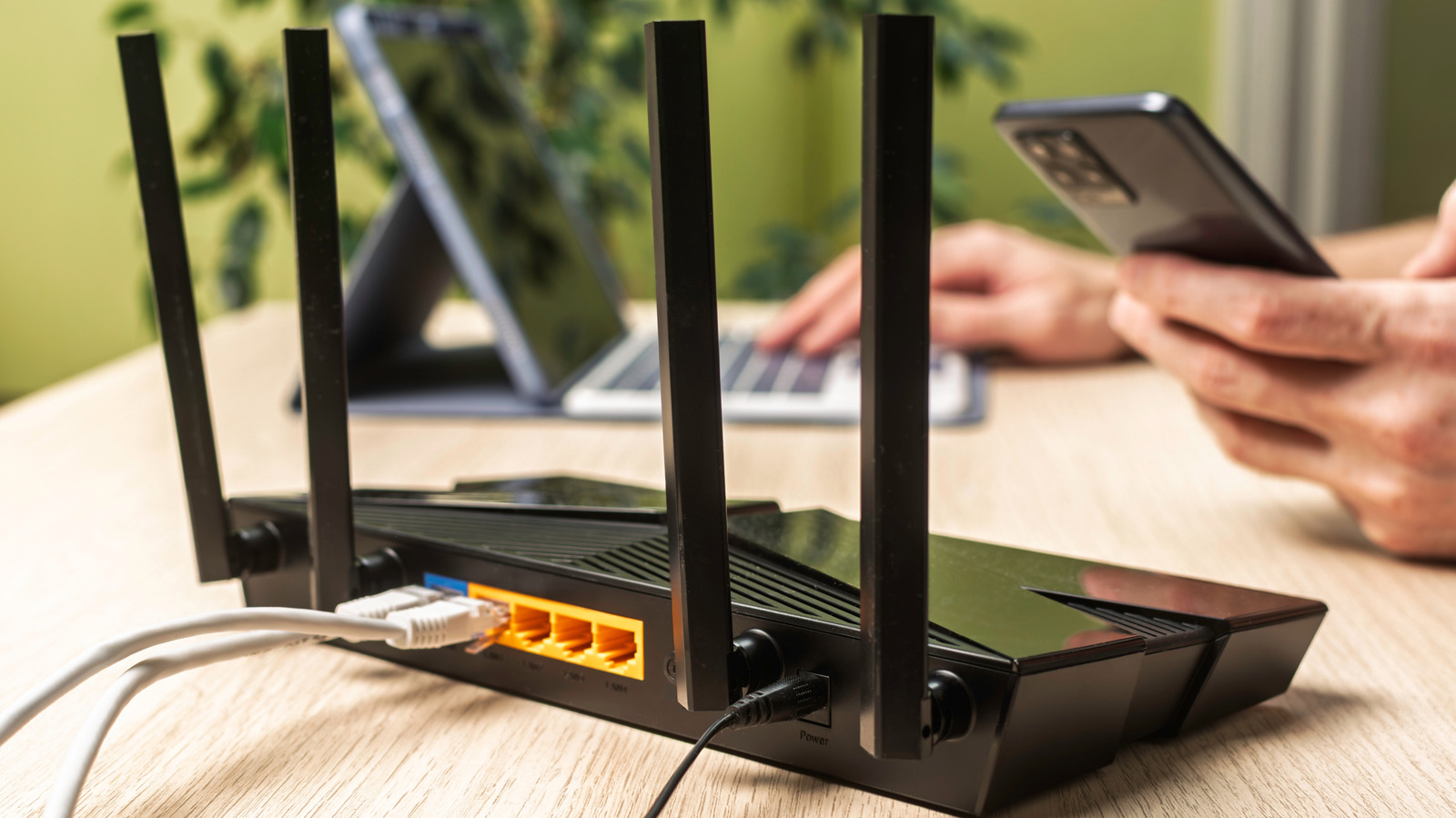
To achieve optimal coverage, a router should be positioned in a central, elevated location out in the open, such as a desk or side table. For single-story apartments, keeping antennas in a vertical position is ideal, whereas multi-story homes benefit from angling at least one antenna to roughly 30 degrees. Users should also understand the distinction between network frequencies: the 2.4GHz band offers longer range but slower speeds, making it suitable for distant or mobile devices, while the 5GHz band delivers faster speeds over a shorter range for stationary hardware like desktop PCs and gaming consoles.
Before finalizing a location, running speed tests before and during adjustments helps map out performance changes. For larger homes or stubborn dead zones where repositioning fails, budget-friendly Wi-Fi extenders or more advanced mesh network systems provide alternative coverage expansion. While traditional extenders can halve available bandwidth, multi-node mesh setups maintain unified network performance across larger multi-story buildings.
Before you buy or relocate hardware, always run baseline speed tests to measure actual performance improvements against your current setup.
Source engadget.com — engadget.com/2314221/where-to-place-wifi-router-best-internet/ ↗
Read next
 🛍️Sales Events
Anker MagStand Qi2 Wireless Charger Hits $90 All-Time Low in Black Friday Sales
Anker's MagStand 25W wireless charging station drops to $90 at Amazon, matching its lowest price ever, while a wave of Black Friday deals covers power banks, travel charg…
 🛍️Sales Events
Black Friday Laptop Deals: Lenovo, Best Buy, and Walmart Cut Prices on ThinkBook, Yoga, and Gaming Models
Major retailers have launched Black Friday doorbuster sales on laptops, with Lenovo's ThinkBook 14x dropping to $699 and Best Buy offering a Yoga 7i 2-in-1 for $649.99.
 🧭Buying Guides
Essential Gear for Frequent Travelers: A Gift Guide
Selecting the right travel accessories can significantly reduce the stress of trip planning and packing. This guide highlights functional items designed to streamline the…
 🧭Buying Guides
Essential Guide to Choosing an EPA-Certified Wood Stove
Upgrading to a modern, EPA-certified wood stove can improve home heating efficiency while reducing particulate pollution compared to older, uncertified models.
 🏠Home & Kitchen
Art Leon Mid-Century Modern Swivel Chair Drops to $144
The Art Leon swivel office chair is currently available for $144, offering a blend of home-friendly aesthetics and functional utility.
 👟Fashion & Beauty
Black Friday Fashion and Travel Savings: J.Crew Factory, Nordstrom Rack, and More
Retailers are rolling out significant pre-Black Friday discounts on apparel and travel gear, featuring clearance markdowns and promotional codes for new customers.