Canva Introduces New Controls Allowing Users to Opt Out of Generative AI Features
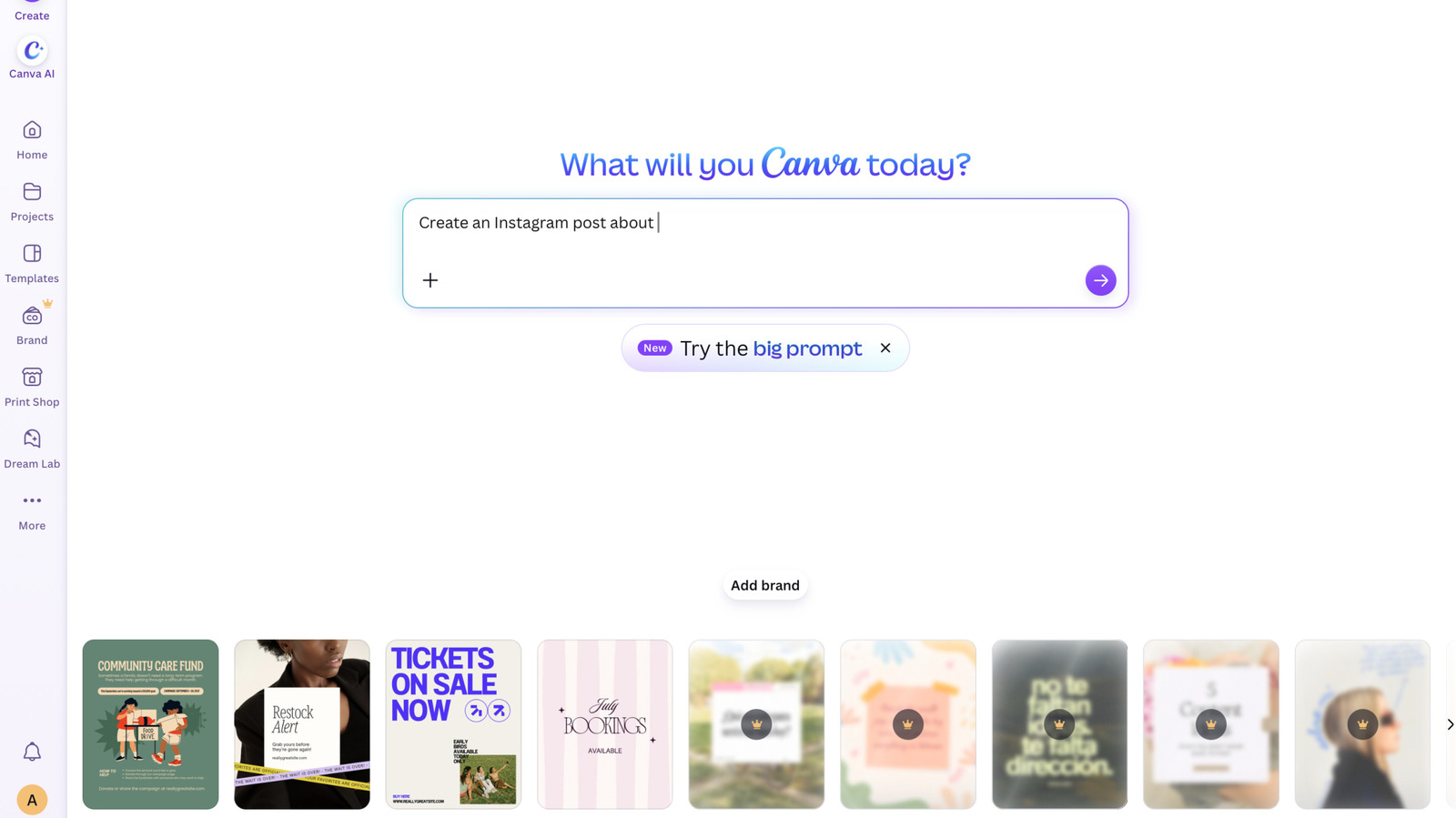
Canva is rolling out settings that let Free and Pro users disable generative artificial intelligence features and limit AI content in their libraries.
 🧠AI Analysis
Photo: engadget.com
Key points
- Canva adds settings to turn off generative AI features and reduce AI content in searches.
- The controls are available to both Free and Pro subscribers via the profile settings menu.
- Non-generative tools like Background Remover and Magic Grab remain active when AI is disabled.
Graphic design platform Canva is introducing new options that give users the ability to remove generative artificial intelligence from their workflow. Following a wave of AI integrations over the past year, the company is adding two distinct toggles for both Free and Pro accounts. The first setting allows individuals to completely turn platform-wide generative AI features on or off, while the second setting reduces the presence of generative AI content within the platform's image library.
Certain editing functionalities will remain operational even when the broader generative AI tools are disabled. Features such as the Background Remover and Magic Grab do not rely on generative AI, instead analyzing existing image content without tagging the resulting metadata as AI-generated. Similarly, the library adjustment lowers the probability of encountering Canva's AI-generated visuals during searches, though the platform notes it cannot guarantee their complete removal from search results.
Users can access these adjustments through the profile tab within the settings menu. Platform-wide AI tools are managed under the permissions section using the 'Enable generative AI features' toggle, whereas library preferences are located under the AI personalization section of the account settings.
Source engadget.com — engadget.com/2321318/canva-will-let-users-switch-off-most-generativ… ↗
Read next
 🛍️Sales Events
Anker MagStand Qi2 Wireless Charger Hits $90 All-Time Low in Black Friday Sales
Anker's MagStand 25W wireless charging station drops to $90 at Amazon, matching its lowest price ever, while a wave of Black Friday deals covers power banks, travel charg…
 🛍️Sales Events
Black Friday Laptop Deals: Lenovo, Best Buy, and Walmart Cut Prices on ThinkBook, Yoga, and Gaming Models
Major retailers have launched Black Friday doorbuster sales on laptops, with Lenovo's ThinkBook 14x dropping to $699 and Best Buy offering a Yoga 7i 2-in-1 for $649.99.
 🧭Buying Guides
Essential Gear for Frequent Travelers: A Gift Guide
Selecting the right travel accessories can significantly reduce the stress of trip planning and packing. This guide highlights functional items designed to streamline the…
 🧭Buying Guides
Essential Guide to Choosing an EPA-Certified Wood Stove
Upgrading to a modern, EPA-certified wood stove can improve home heating efficiency while reducing particulate pollution compared to older, uncertified models.
 🏠Home & Kitchen
Art Leon Mid-Century Modern Swivel Chair Drops to $144
The Art Leon swivel office chair is currently available for $144, offering a blend of home-friendly aesthetics and functional utility.
 👟Fashion & Beauty
Black Friday Fashion and Travel Savings: J.Crew Factory, Nordstrom Rack, and More
Retailers are rolling out significant pre-Black Friday discounts on apparel and travel gear, featuring clearance markdowns and promotional codes for new customers.