How to Check Your iPhone OS Version and Install the Latest Updates
Learn how to check your iPhone's current operating system version, install manual or automatic software updates, and prepare your device for major iOS releases.
 🧭Buying Guides
Photo: engadget.com
Key points
- Navigate to Settings > General > About > iOS Version to check your current software.
- Manual updates require at least 20 percent battery and access to Wi-Fi or a computer.
- Always back up your device via iCloud or a computer before installing major updates.
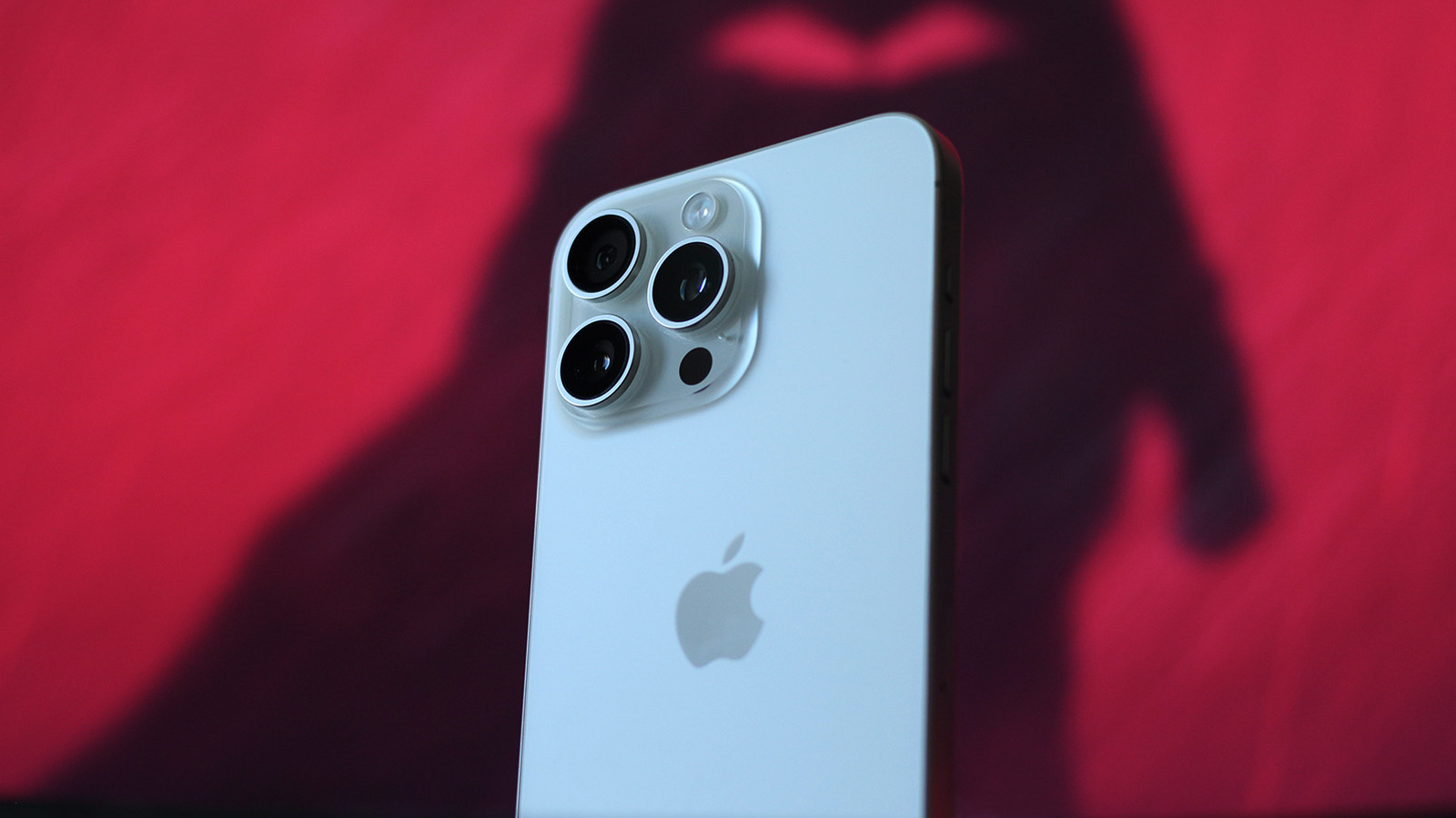
Apple's long-term software support means that even older hardware, such as the iPhone 11 released in 2019, can continue running modern software versions years after launch. Keeping your operating system up to date is essential for security patches, performance improvements, and accessing new features like the updated Siri AI beta waitlist for Apple Intelligence-powered devices. To verify which operating system version your device is currently operating on, open the Settings app and navigate to General, then select About, and finally tap on iOS Version.
To manually check for available software upgrades, go to Settings, select General, and open Software Update. Devices require at least a 20 percent battery charge to perform a manual update, and major releases can span several gigabytes, making a reliable Wi-Fi connection necessary. Users can also configure their devices to handle updates automatically by enabling the toggle under Automatic Updates, which allows the phone to install packages overnight while connected to power and Wi-Fi. Alternatively, updates can be applied using a computer via Finder on modern Macs, the Apple Devices app on Windows PCs, or iTunes.
Apple recommends performing a complete backup prior to initiating any software installation. You can secure your data by going to Settings, tapping your name, selecting iCloud Backup, and choosing Back Up Now, or by connecting the device to a computer if iCloud storage is limited. While previous iterations like iOS 18 and iOS 26 introduced noticeable bugs and performance hurdles, newer versions prioritize stability and efficiency to improve the experience on both legacy and current hardware.
Source engadget.com — engadget.com/2311762/how-to-check-iphone-ios-version/ ↗
Read next
 🛍️Sales Events
Anker MagStand Qi2 Wireless Charger Hits $90 All-Time Low in Black Friday Sales
Anker's MagStand 25W wireless charging station drops to $90 at Amazon, matching its lowest price ever, while a wave of Black Friday deals covers power banks, travel charg…
 🛍️Sales Events
Black Friday Laptop Deals: Lenovo, Best Buy, and Walmart Cut Prices on ThinkBook, Yoga, and Gaming Models
Major retailers have launched Black Friday doorbuster sales on laptops, with Lenovo's ThinkBook 14x dropping to $699 and Best Buy offering a Yoga 7i 2-in-1 for $649.99.
 🏠Home & Kitchen
Art Leon Mid-Century Modern Swivel Chair Drops to $144
The Art Leon swivel office chair is currently available for $144, offering a blend of home-friendly aesthetics and functional utility.
 👟Fashion & Beauty
Black Friday Fashion and Travel Savings: J.Crew Factory, Nordstrom Rack, and More
Retailers are rolling out significant pre-Black Friday discounts on apparel and travel gear, featuring clearance markdowns and promotional codes for new customers.
 💻Tech Deals
UGREEN MagFlow 25W 2-in-1 Travel Charger Hits New All-Time Low of $28
UGREEN has discounted its MagFlow 25W 2-in-1 travel charger to $28.49, marking a 53% price reduction for Black Friday week.
 🛍️Sales Events
Walmart Launches Second Wave of Black Friday Tech Deals
Walmart has released its second major round of Black Friday discounts, featuring significant price drops on Apple hardware, gaming consoles, and home theater equipment.