How to Fix Soundbar Audio Delay Issues on Your Smart TV
A practical guide on identifying why your TV and soundbar are out of sync and simple steps to fix the audio delay.
 🧭Buying Guides
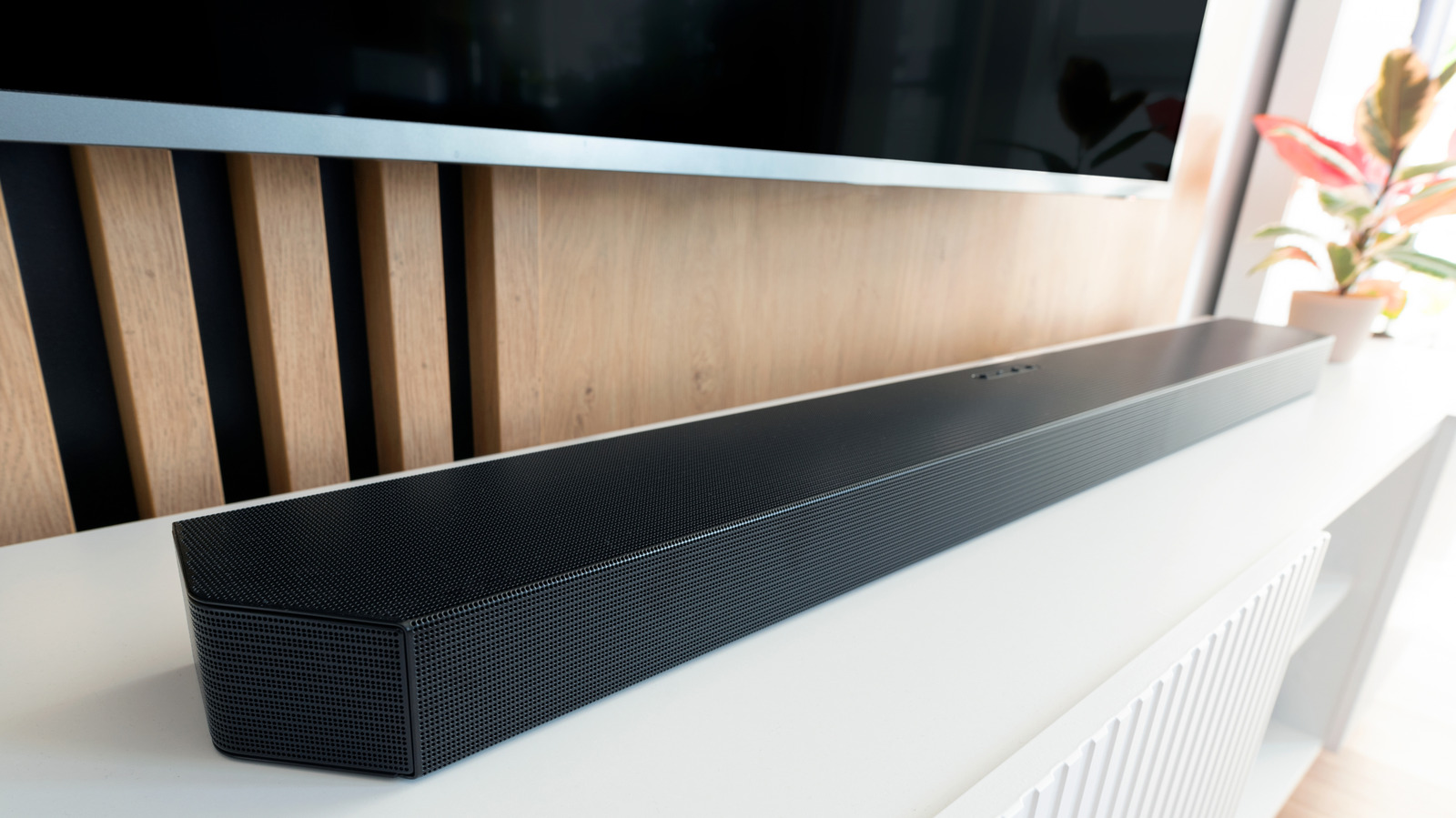
Photo: engadget.com
Key points
- Isolate the video source to determine if the broadcast or your equipment is at fault
- Check and secure physical HDMI or optical cable connections
- Disable advanced TV processing features like digital noise reduction and virtual surround
- Use brand-specific sync settings on Samsung, LG, or Sonos equipment
Dealing with audio and video that do not match up can ruin movie nights and sporting events alike. When a soundbar is added to a home theater setup, it introduces an extra layer of processing where the TV handles the video while the soundbar decodes the audio, often leading to lag.
Troubleshooting Connection and Hardware Causes
The first step in resolving an audio delay is isolating the source by testing different input devices like a Blu-ray player or streaming box. Checking your physical connections is equally important; a loose digital optical or HDMI cable can easily cause sync issues. If the lag persists across all sources, the problem typically stems from processing bottlenecks or hardware limitations like standard HDMI ARC, which may lack the bandwidth to transmit uncompressed audio formats without delay.
Adjusting Settings and Bypassing the TV
Most major brands include built-in tools to correct these mismatches. Samsung and LG soundbars feature dedicated remote buttons and menus for AV sync adjustments, while Sonos users can fine-tuning dialogue timing directly through the mobile app. Alternatively, users can try direct routing by plugging media players straight into the soundbar's HDMI input before passing the signal to the display. Disabling advanced processing modes on the TV, such as digital noise reduction or virtual surround sound, can also free up processing time and eliminate the delay entirely.
Source engadget.com — engadget.com/2312648/reasons-why-tv-soundbar-audio-delay/ ↗
Read next
 🛍️Sales Events
Anker MagStand Qi2 Wireless Charger Hits $90 All-Time Low in Black Friday Sales
Anker's MagStand 25W wireless charging station drops to $90 at Amazon, matching its lowest price ever, while a wave of Black Friday deals covers power banks, travel charg…
 🛍️Sales Events
Black Friday Laptop Deals: Lenovo, Best Buy, and Walmart Cut Prices on ThinkBook, Yoga, and Gaming Models
Major retailers have launched Black Friday doorbuster sales on laptops, with Lenovo's ThinkBook 14x dropping to $699 and Best Buy offering a Yoga 7i 2-in-1 for $649.99.
 🏠Home & Kitchen
Art Leon Mid-Century Modern Swivel Chair Drops to $144
The Art Leon swivel office chair is currently available for $144, offering a blend of home-friendly aesthetics and functional utility.
 👟Fashion & Beauty
Black Friday Fashion and Travel Savings: J.Crew Factory, Nordstrom Rack, and More
Retailers are rolling out significant pre-Black Friday discounts on apparel and travel gear, featuring clearance markdowns and promotional codes for new customers.
 💻Tech Deals
UGREEN MagFlow 25W 2-in-1 Travel Charger Hits New All-Time Low of $28
UGREEN has discounted its MagFlow 25W 2-in-1 travel charger to $28.49, marking a 53% price reduction for Black Friday week.
 🛍️Sales Events
Walmart Launches Second Wave of Black Friday Tech Deals
Walmart has released its second major round of Black Friday discounts, featuring significant price drops on Apple hardware, gaming consoles, and home theater equipment.