How to Check Your Vehicle for Apple CarPlay Compatibility
Find out if your car supports Apple CarPlay using official manufacturer lists, dashboard prompts, or affordable aftermarket solutions.
 🧭Buying Guides
Photo: engadget.com
Key points
- Apple maintains an online list of supported car models, though Tesla and Rivian lack support.
- Check wireless compatibility by using Bluetooth, Wi-Fi, and the iPhone's CarPlay settings menu.
- Aftermarket dash screens and replacement head units can add CarPlay to older vehicles for around $100.
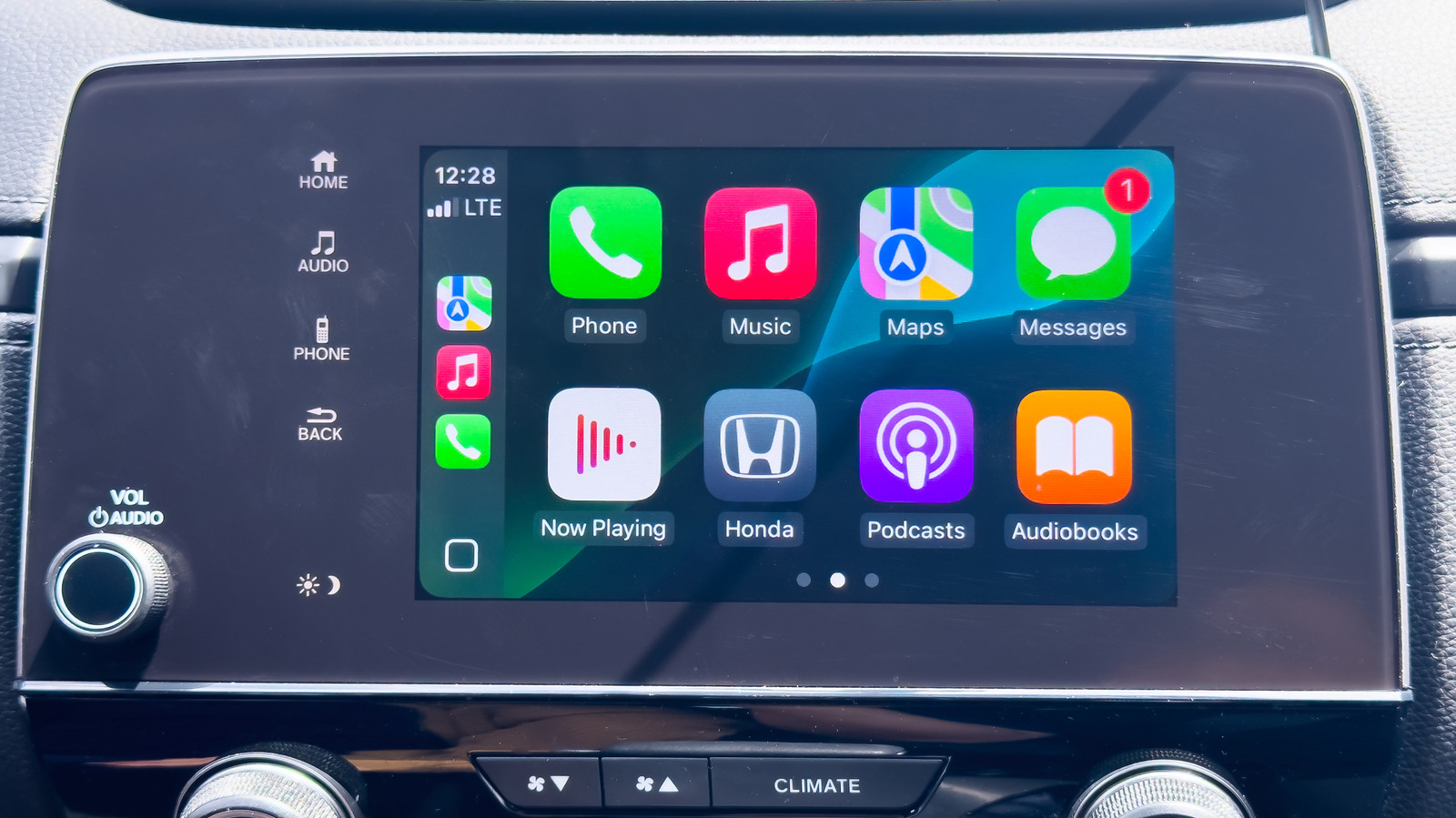
Apple CarPlay integrates essential iPhone features like navigation and music playback directly into your vehicle's dashboard, making it a key feature for many buyers. While the vast majority of modern vehicles include built-in support, notable exceptions like Tesla and Rivian do not offer the software at all. General Motors previously experimented with dropping support before reversing course.
Verifying compatibility in person is straightforward. For wireless systems, enable your iPhone's Wi-Fi and Bluetooth, set the vehicle's dashboard to wireless mode, press the steering wheel's voice command button, and check the available devices under Settings > General > CarPlay on your phone. Alternatively, plugging your iPhone into a USB port will usually trigger a prompt for wired CarPlay if the car is compatible, though physical USB icons are not always present.
Drivers of older or unsupported vehicles still have options to add the functionality. Third-party dash-mounted screens are available for around $100 or less, offering easy portability between vehicles despite the extra hardware clutter. For a more permanent upgrade, motorists can install a compatible head unit to replace the factory stereo, though this route involves a more complex installation process or professional labor fees.
Source engadget.com — engadget.com/2313909/how-to-tell-if-car-supports-apple-carplay/ ↗
Read next
 🛍️Sales Events
Anker MagStand Qi2 Wireless Charger Hits $90 All-Time Low in Black Friday Sales
Anker's MagStand 25W wireless charging station drops to $90 at Amazon, matching its lowest price ever, while a wave of Black Friday deals covers power banks, travel charg…
 🛍️Sales Events
Black Friday Laptop Deals: Lenovo, Best Buy, and Walmart Cut Prices on ThinkBook, Yoga, and Gaming Models
Major retailers have launched Black Friday doorbuster sales on laptops, with Lenovo's ThinkBook 14x dropping to $699 and Best Buy offering a Yoga 7i 2-in-1 for $649.99.
 🏠Home & Kitchen
Art Leon Mid-Century Modern Swivel Chair Drops to $144
The Art Leon swivel office chair is currently available for $144, offering a blend of home-friendly aesthetics and functional utility.
 👟Fashion & Beauty
Black Friday Fashion and Travel Savings: J.Crew Factory, Nordstrom Rack, and More
Retailers are rolling out significant pre-Black Friday discounts on apparel and travel gear, featuring clearance markdowns and promotional codes for new customers.
 💻Tech Deals
UGREEN MagFlow 25W 2-in-1 Travel Charger Hits New All-Time Low of $28
UGREEN has discounted its MagFlow 25W 2-in-1 travel charger to $28.49, marking a 53% price reduction for Black Friday week.
 🛍️Sales Events
Walmart Launches Second Wave of Black Friday Tech Deals
Walmart has released its second major round of Black Friday discounts, featuring significant price drops on Apple hardware, gaming consoles, and home theater equipment.