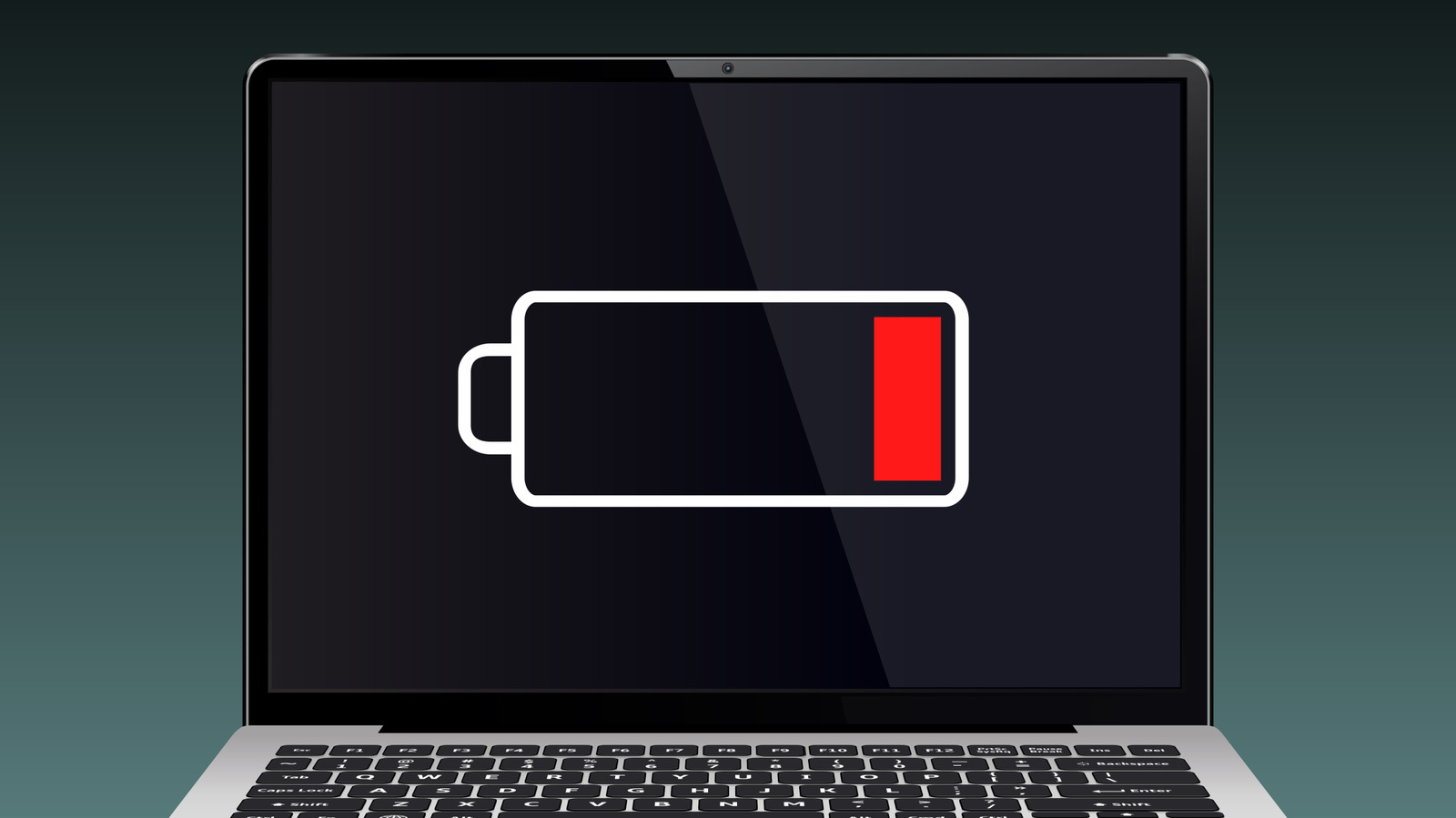
What Actually Happens When Your Laptop Battery Drains to Zero
Understanding the impact of fully draining your laptop's lithium-ion battery and how to properly maintain its lifespan.
 🧭Buying Guides
Photo: engadget.com
Key points
- Lithium-ion batteries perform best when kept between 20% and 80% charge.
- Repeatedly draining a laptop to 0% causes unnecessary wear and reduces charging capacity.
- Background apps, heat, and connected devices can accelerate unexpected battery drain.
Allowing your laptop battery to completely drain might seem like a minor inconvenience when you lose an unsaved document, but repeated total discharges can cause long-term wear. While an occasional drop to zero won't immediately destroy your machine, making it a regular habit is far from ideal for overall battery health.
Modern laptops primarily use lithium-ion batteries, which manufacturers and tech guides suggest keeping within a 20 to 80 percent charge window to maximize longevity. Operating systems like Windows often trigger an automatic shutdown or hibernation before reaching an absolute zero, but frequent deep discharges still put unnecessary stress on the internal cells and can gradually reduce maximum charging capacity.
Most current laptops provide anywhere from 4 to 12 hours of battery life on a single charge, though heavy tasks like gaming will deplete power much faster. If your device is dying quicker than expected, background applications, outdated software, elevated temperatures, or connected external devices might be quietly draining your power reserves.
Before you buy: If your machine is constantly hovering near empty, checking your power management settings or investing in a reliable portable charger can prevent unexpected shutdowns without requiring an immediate hardware replacement.
Source engadget.com — engadget.com/2313936/what-happens-drained-laptop-battery/ ↗
Read next
 🛍️Sales Events
Anker MagStand Qi2 Wireless Charger Hits $90 All-Time Low in Black Friday Sales
Anker's MagStand 25W wireless charging station drops to $90 at Amazon, matching its lowest price ever, while a wave of Black Friday deals covers power banks, travel charg…
 🛍️Sales Events
Black Friday Laptop Deals: Lenovo, Best Buy, and Walmart Cut Prices on ThinkBook, Yoga, and Gaming Models
Major retailers have launched Black Friday doorbuster sales on laptops, with Lenovo's ThinkBook 14x dropping to $699 and Best Buy offering a Yoga 7i 2-in-1 for $649.99.
 🏠Home & Kitchen
Art Leon Mid-Century Modern Swivel Chair Drops to $144
The Art Leon swivel office chair is currently available for $144, offering a blend of home-friendly aesthetics and functional utility.
 👟Fashion & Beauty
Black Friday Fashion and Travel Savings: J.Crew Factory, Nordstrom Rack, and More
Retailers are rolling out significant pre-Black Friday discounts on apparel and travel gear, featuring clearance markdowns and promotional codes for new customers.
 💻Tech Deals
UGREEN MagFlow 25W 2-in-1 Travel Charger Hits New All-Time Low of $28
UGREEN has discounted its MagFlow 25W 2-in-1 travel charger to $28.49, marking a 53% price reduction for Black Friday week.
 🛍️Sales Events
Walmart Launches Second Wave of Black Friday Tech Deals
Walmart has released its second major round of Black Friday discounts, featuring significant price drops on Apple hardware, gaming consoles, and home theater equipment.