Why Hub Placement Is Key to Smart Home Reliability
Optimizing the location of your smart home hub is essential for maintaining a stable connection across all your connected devices. Proper placement minimizes signal interference and ensures better communication throughout your home.
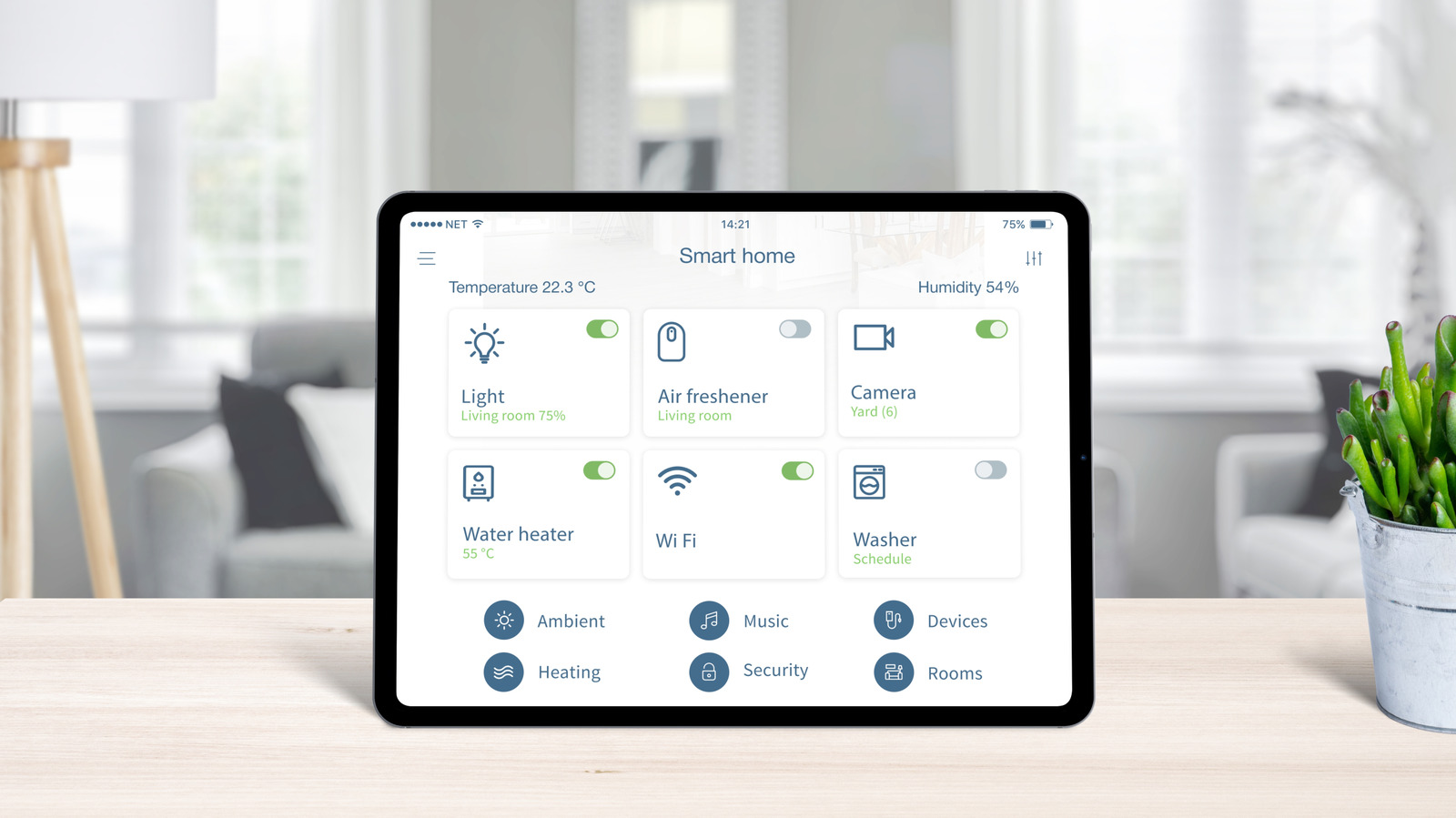 🧭Buying Guides
Photo: engadget.com
Key points
- Position hubs centrally to ensure clear signal paths to all devices.
- Avoid placing hubs directly next to Wi-Fi routers to minimize wireless interference.
- Use mesh-capable devices like Zigbee or Z-Wave to extend coverage in larger homes.
While many users prefer to tuck smart home hubs out of sight for aesthetic reasons, their physical location significantly impacts system performance. Much like a Wi-Fi router, these hubs require a clear, central position to effectively send and receive signals. Obstructions such as walls, furniture, and doors can impede connectivity, leading to the frustrating, intermittent device failures common in many smart home setups.
To achieve the best results, place your hub in a central area of the home. If your device features external antennas, orient them toward the majority of your connected hardware. It is also crucial to avoid placing the hub directly next to your Wi-Fi router, as this can cause signal congestion. Instead, maintain a small amount of distance between them and utilize different frequency bands to reduce interference from other household electronics like microwaves or smartphones.
For those struggling with connectivity in larger spaces, consider leveraging mesh networking protocols like Zigbee or Z-Wave. These systems allow devices to repeat signals, effectively extending the hub's reach. However, because signal strength degrades as it hops through a chain, keeping as many devices as possible within a reasonable range of the hub remains the most effective strategy for a responsive smart home.
Source engadget.com — engadget.com/2314367/smart-home-hub-placement-importance/ ↗
Read next
 🛍️Sales Events
Anker MagStand Qi2 Wireless Charger Hits $90 All-Time Low in Black Friday Sales
Anker's MagStand 25W wireless charging station drops to $90 at Amazon, matching its lowest price ever, while a wave of Black Friday deals covers power banks, travel charg…
 🛍️Sales Events
Black Friday Laptop Deals: Lenovo, Best Buy, and Walmart Cut Prices on ThinkBook, Yoga, and Gaming Models
Major retailers have launched Black Friday doorbuster sales on laptops, with Lenovo's ThinkBook 14x dropping to $699 and Best Buy offering a Yoga 7i 2-in-1 for $649.99.
 🏠Home & Kitchen
Art Leon Mid-Century Modern Swivel Chair Drops to $144
The Art Leon swivel office chair is currently available for $144, offering a blend of home-friendly aesthetics and functional utility.
 👟Fashion & Beauty
Black Friday Fashion and Travel Savings: J.Crew Factory, Nordstrom Rack, and More
Retailers are rolling out significant pre-Black Friday discounts on apparel and travel gear, featuring clearance markdowns and promotional codes for new customers.
 💻Tech Deals
UGREEN MagFlow 25W 2-in-1 Travel Charger Hits New All-Time Low of $28
UGREEN has discounted its MagFlow 25W 2-in-1 travel charger to $28.49, marking a 53% price reduction for Black Friday week.
 🛍️Sales Events
Walmart Launches Second Wave of Black Friday Tech Deals
Walmart has released its second major round of Black Friday discounts, featuring significant price drops on Apple hardware, gaming consoles, and home theater equipment.