How to Customize Your Amazon Kindle to Feel More Like a Physical Book
Learn simple adjustments to your Amazon Kindle's display, fonts, and layout to create a more traditional reading experience.
 🧭Buying Guides
Photo: engadget.com
Key points
- Change font families to traditional serif styles like Baskerville or Palatino
- Adjust display brightness and warmth to mimic physical paper
- Enable page-turn animations on supported Kindle models for smoother transitions
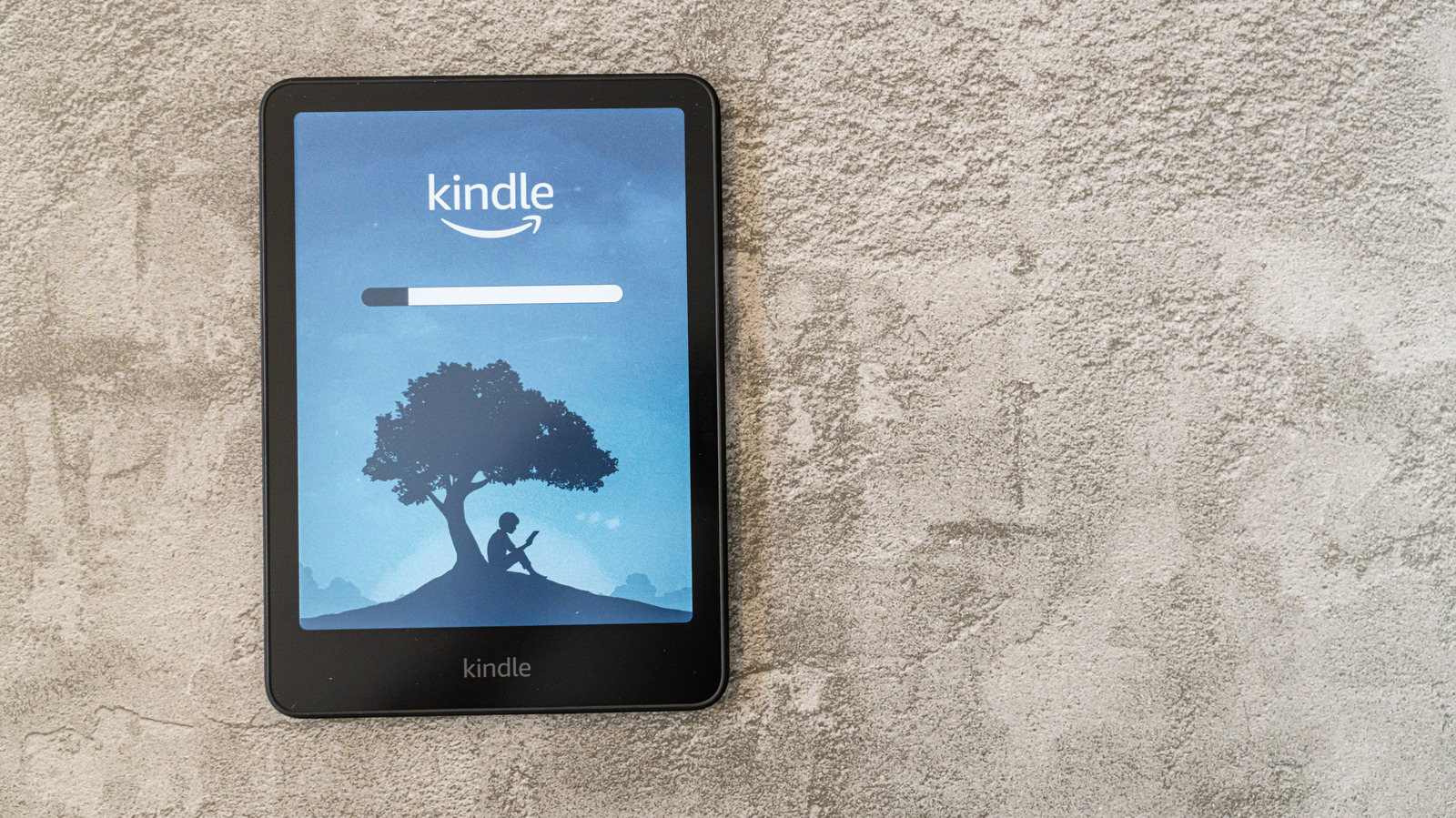
Transitioning from traditional printed novels to an e-reader can sometimes feel sterile due to bright screens and default digital layouts. For readers looking to recapture the cozy vibe of physical literature, Amazon includes several built-in customization tools that require no technical expertise.
Adjusting Typography and Page Layouts
Users can easily swap out standard sans-serif system fonts for more classic options. By tapping the Aa icon at the top of an open book and navigating to the Font Family section under the Font menu, readers can select traditional serif styles such as Palatino or Baskerville. Additionally, adjusting margins to widen the empty space around text blocks and slightly increasing the text weight helps replicate the look of printed ink on paper.
Modifying Display Settings and Adding Physical Accessories
To reduce the harsh glare of a digital screen, opening the Quick Actions menu allows users to lower the overall brightness and dial up the warmth level, creating a nostalgic tone similar to aged paper. Readers utilizing supported models like the Paperwhite, Scribe, or Colorsoft can also activate page-turn animations for smoother visual transitions. Finally, those willing to invest a little extra cash can purchase third-party book-style cases widely available online to give the hardware itself a tactile, classic exterior appearance.
Source engadget.com — engadget.com/2314792/improve-amazon-kindle-experience-doing-simple-… ↗
Read next
 🛍️Sales Events
Anker MagStand Qi2 Wireless Charger Hits $90 All-Time Low in Black Friday Sales
Anker's MagStand 25W wireless charging station drops to $90 at Amazon, matching its lowest price ever, while a wave of Black Friday deals covers power banks, travel charg…
 🛍️Sales Events
Black Friday Laptop Deals: Lenovo, Best Buy, and Walmart Cut Prices on ThinkBook, Yoga, and Gaming Models
Major retailers have launched Black Friday doorbuster sales on laptops, with Lenovo's ThinkBook 14x dropping to $699 and Best Buy offering a Yoga 7i 2-in-1 for $649.99.
 🏠Home & Kitchen
Art Leon Mid-Century Modern Swivel Chair Drops to $144
The Art Leon swivel office chair is currently available for $144, offering a blend of home-friendly aesthetics and functional utility.
 👟Fashion & Beauty
Black Friday Fashion and Travel Savings: J.Crew Factory, Nordstrom Rack, and More
Retailers are rolling out significant pre-Black Friday discounts on apparel and travel gear, featuring clearance markdowns and promotional codes for new customers.
 💻Tech Deals
UGREEN MagFlow 25W 2-in-1 Travel Charger Hits New All-Time Low of $28
UGREEN has discounted its MagFlow 25W 2-in-1 travel charger to $28.49, marking a 53% price reduction for Black Friday week.
 🛍️Sales Events
Walmart Launches Second Wave of Black Friday Tech Deals
Walmart has released its second major round of Black Friday discounts, featuring significant price drops on Apple hardware, gaming consoles, and home theater equipment.