Essential Hidden Features Every Google Maps User Should Enable
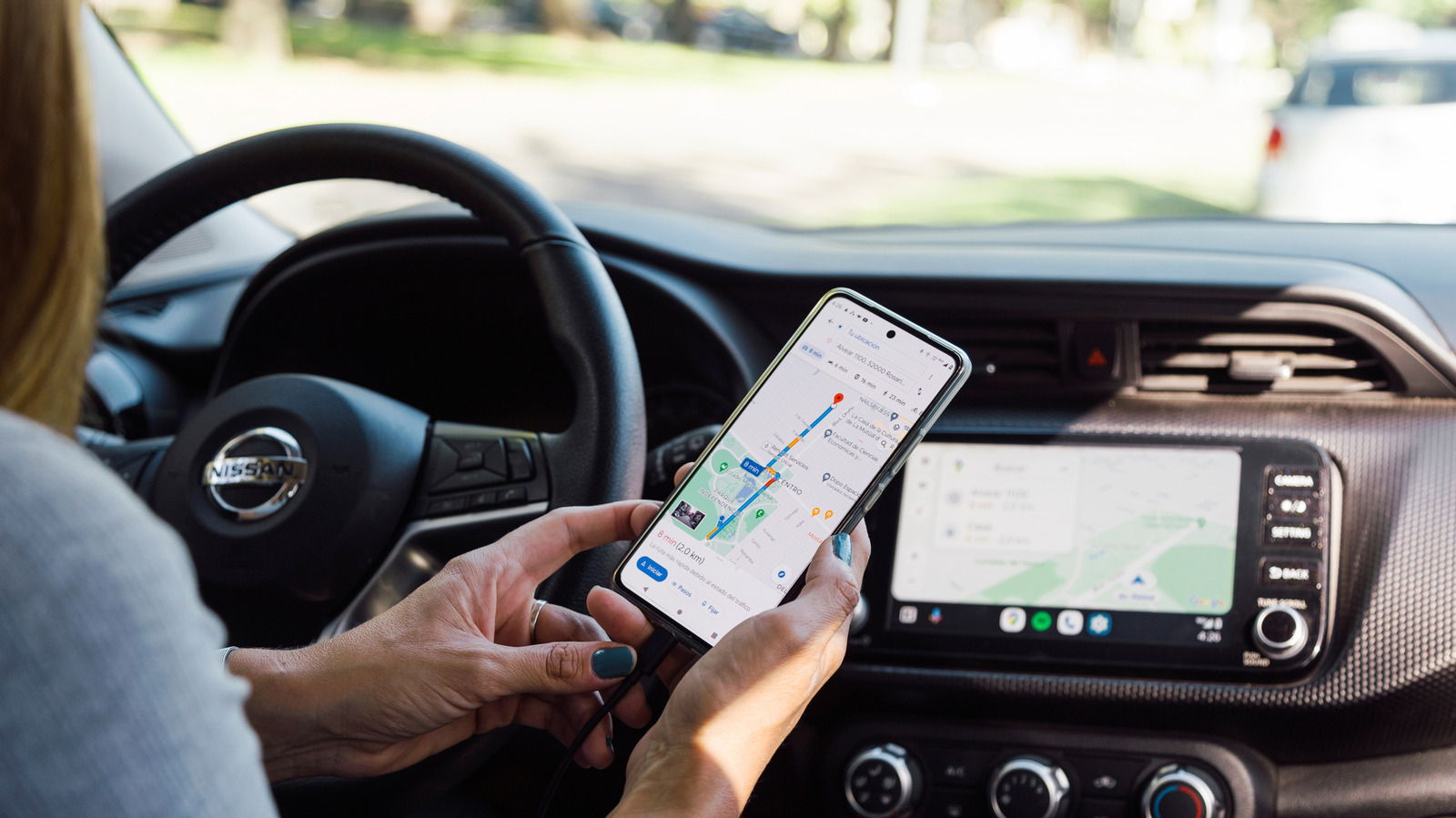
Discover lesser-known Google Maps tools that optimize routes for your specific vehicle, set departure alerts, and stop navigation prompts from interrupting music.
 🧭Buying Guides
Photo: engadget.com
Key points
- Input your vehicle engine type and EV plug adapters to find compatible charging stations automatically.
- Configure route preferences to avoid tolls, ferries, and highways for cheaper or more scenic drives.
- Disable Bluetooth voice-over settings to stop navigation prompts from interrupting music and podcasts.
While most smartphone users open Google Maps simply to type in an address and follow standard prompts, the platform includes several built-in utilities that require no extra subscriptions or downloads. Buried within the application's menus are customization options designed to tailor routes to your specific vehicle type, manage navigation audio, and help you arrive on schedule.
For drivers utilizing electric vehicles or hybrids, the application lets you input your specific plug and adapter requirements under the vehicle settings. Once configured, the navigation tool surfaces compatible charging locations along your path. Additionally, users can adjust route preferences to bypass toll roads, ferries, or highways by navigating to the navigation menu, helping motorists avoid high speeds or extra fees.
Time management also gets an upgrade through departure alerts. iPhone users can set arrive-by or leave-by notifications directly through the directions menu, while Android users can sync destination data via Google Calendar. To prevent media interruptions, motorists can disable the voice-over-Bluetooth setting, forcing turn-by-turn prompts to play through the phone speaker rather than cutting off music or podcasts on the car audio system.
Before you use these features, make sure your mobile application is updated to the latest version to ensure all vehicle and navigation settings appear in their correct menu locations.
Source engadget.com — engadget.com/2315026/google-maps-hidden-features-users-should-know/ ↗
Read next
 🛍️Sales Events
Anker MagStand Qi2 Wireless Charger Hits $90 All-Time Low in Black Friday Sales
Anker's MagStand 25W wireless charging station drops to $90 at Amazon, matching its lowest price ever, while a wave of Black Friday deals covers power banks, travel charg…
 🛍️Sales Events
Black Friday Laptop Deals: Lenovo, Best Buy, and Walmart Cut Prices on ThinkBook, Yoga, and Gaming Models
Major retailers have launched Black Friday doorbuster sales on laptops, with Lenovo's ThinkBook 14x dropping to $699 and Best Buy offering a Yoga 7i 2-in-1 for $649.99.
 🏠Home & Kitchen
Art Leon Mid-Century Modern Swivel Chair Drops to $144
The Art Leon swivel office chair is currently available for $144, offering a blend of home-friendly aesthetics and functional utility.
 👟Fashion & Beauty
Black Friday Fashion and Travel Savings: J.Crew Factory, Nordstrom Rack, and More
Retailers are rolling out significant pre-Black Friday discounts on apparel and travel gear, featuring clearance markdowns and promotional codes for new customers.
 💻Tech Deals
UGREEN MagFlow 25W 2-in-1 Travel Charger Hits New All-Time Low of $28
UGREEN has discounted its MagFlow 25W 2-in-1 travel charger to $28.49, marking a 53% price reduction for Black Friday week.
 🛍️Sales Events
Walmart Launches Second Wave of Black Friday Tech Deals
Walmart has released its second major round of Black Friday discounts, featuring significant price drops on Apple hardware, gaming consoles, and home theater equipment.