Essential Troubleshooting Steps for Unresponsive External Hard Drives
Learn how to diagnose and potentially revive a portable storage drive that refuses to mount or connect to your computer using hardware checks and native OS utilities.
 🧭Buying Guides
Photo: engadget.com
Key points
- Test alternative cables, ports, and power adapters to rule out basic hardware issues.
- Use Windows Device Manager and Disk Management or macOS Disk Utility to diagnose software errors.
- Attempt repairs via built-in utilities like CHKDSK or First Aid before considering a data wipe.
Portable external drives have become a standard part of modern computing workflows, offering an easy way to transport large files and back up important documents. However, local storage media can occasionally fail to mount or appear entirely dead when plugged into a machine. Before assuming the hardware is permanently broken, users can follow a series of troubleshooting steps spanning physical connections and operating system software.
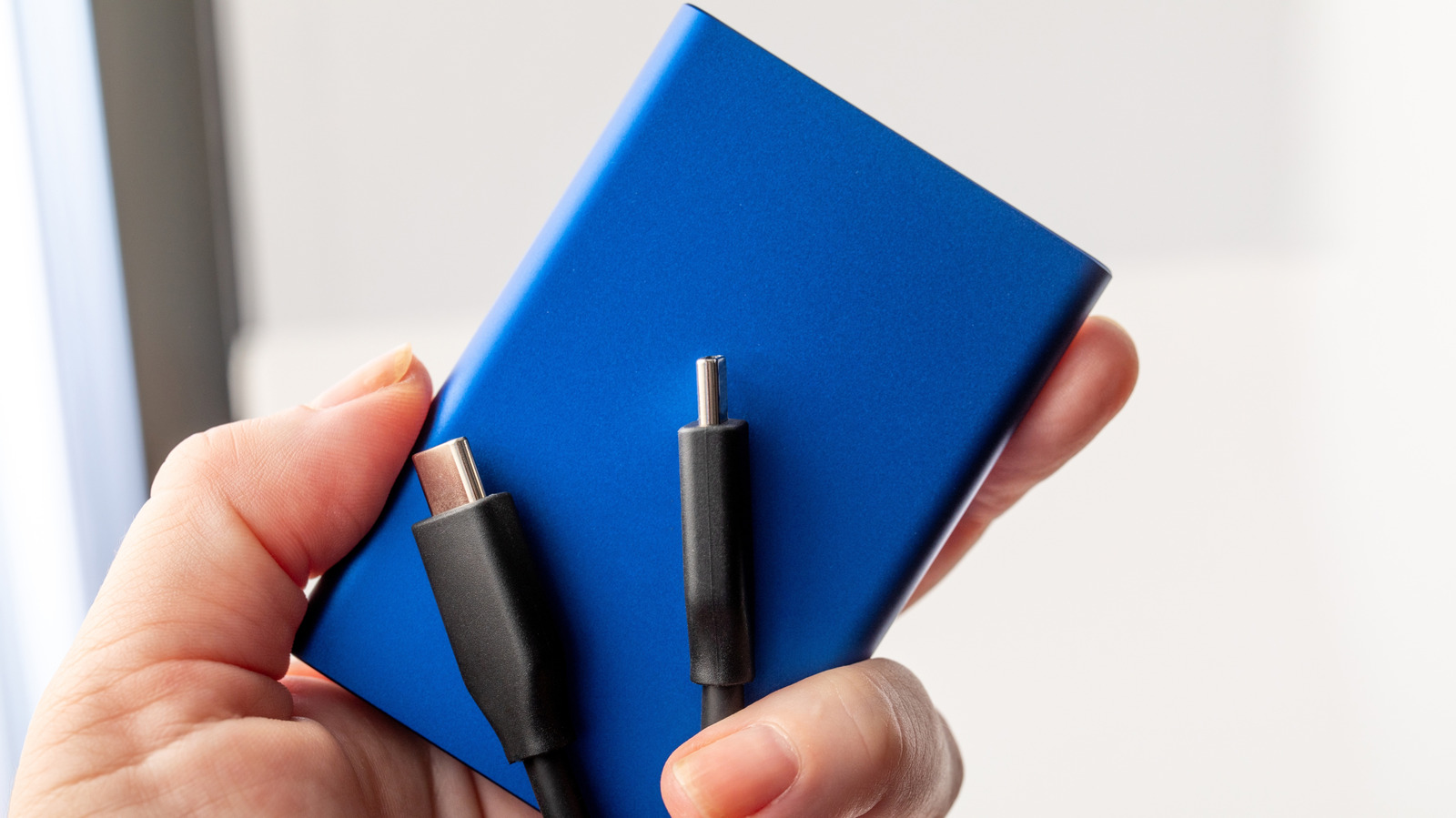
The initial phase involves ruling out basic hardware failures. Users should test alternative USB or Thunderbolt cables, switch to different ports on the computer, and verify that the drive receives adequate power, including plugging in dedicated AC adapters if applicable. Testing the drive on a second computer can quickly determine whether the issue stems from the original machine or the storage device itself.
When the computer detects the drive physically but fails to open it, software tools can help. Windows users can inspect Device Manager and Disk Management to check for missing drive letters, lack of NTFS formatting, or potential errors by running the built-in CHKDSK command via the Terminal. On macOS, Disk Utility serves as the primary diagnostic tool, allowing users to attempt mounting the drive or running First Aid to repair file system errors without wiping data.
As a final software measure, updating hardware drivers through Windows Update or macOS software settings can resolve compatibility glitches. If basic repairs, cable swaps, and operating system utilities fail to restore functionality, users may need to consult the drive manufacturer, a professional repair service, or specialized data recovery firms if critical files remain trapped on the disk.
Source engadget.com — engadget.com/2315721/pc-wont-read-external-hard-drive-fixes/ ↗
Read next
 🛍️Sales Events
Anker MagStand Qi2 Wireless Charger Hits $90 All-Time Low in Black Friday Sales
Anker's MagStand 25W wireless charging station drops to $90 at Amazon, matching its lowest price ever, while a wave of Black Friday deals covers power banks, travel charg…
 🛍️Sales Events
Black Friday Laptop Deals: Lenovo, Best Buy, and Walmart Cut Prices on ThinkBook, Yoga, and Gaming Models
Major retailers have launched Black Friday doorbuster sales on laptops, with Lenovo's ThinkBook 14x dropping to $699 and Best Buy offering a Yoga 7i 2-in-1 for $649.99.
 🏠Home & Kitchen
Art Leon Mid-Century Modern Swivel Chair Drops to $144
The Art Leon swivel office chair is currently available for $144, offering a blend of home-friendly aesthetics and functional utility.
 👟Fashion & Beauty
Black Friday Fashion and Travel Savings: J.Crew Factory, Nordstrom Rack, and More
Retailers are rolling out significant pre-Black Friday discounts on apparel and travel gear, featuring clearance markdowns and promotional codes for new customers.
 💻Tech Deals
UGREEN MagFlow 25W 2-in-1 Travel Charger Hits New All-Time Low of $28
UGREEN has discounted its MagFlow 25W 2-in-1 travel charger to $28.49, marking a 53% price reduction for Black Friday week.
 🛍️Sales Events
Walmart Launches Second Wave of Black Friday Tech Deals
Walmart has released its second major round of Black Friday discounts, featuring significant price drops on Apple hardware, gaming consoles, and home theater equipment.