Optimizing Your Experience: Essential Settings for Grand Theft Auto 6
As Grand Theft Auto 6 launches, players are encouraged to explore the game's extensive settings menu to customize gameplay, accessibility, and visual preferences.
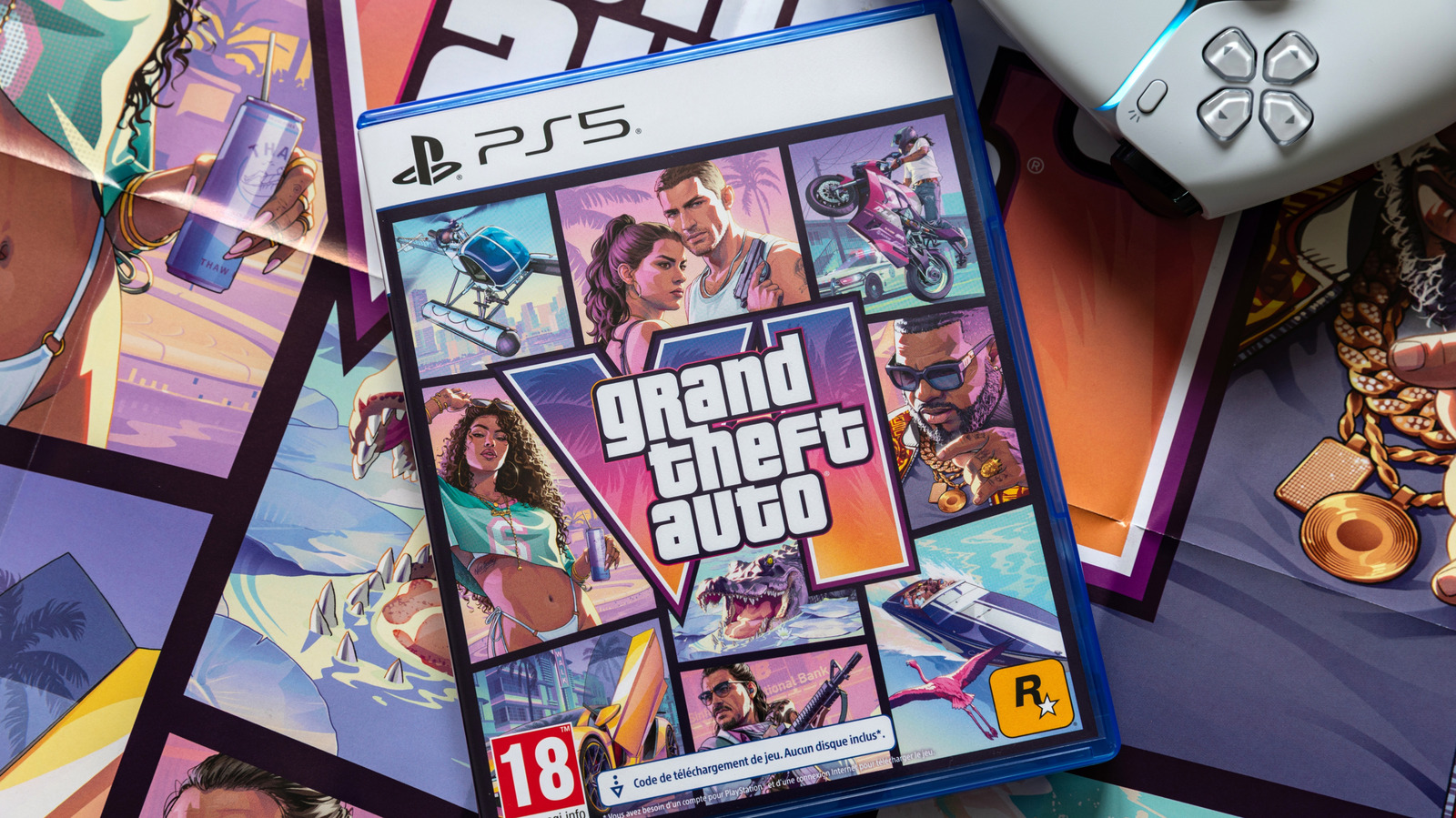 🧭Buying Guides
Photo: bgr.com
Key points
- Customize control schemes and movement sensitivity for a better feel.
- Adjust accessibility options like GPS voice and icon size for easier navigation.
- Modify combat settings including aim assist and projectile indicators.
- Enable content-safe settings like music muting for streamers.
The long-awaited release of Grand Theft Auto 6 has finally arrived, driving significant interest in hardware like the PlayStation 5 Pro. While the game is highly anticipated, developers at Rockstar Games have included a deep suite of options within the settings menu that allow players to tailor the experience to their specific needs. From accessibility features to visual preferences, adjusting these settings before diving into the world of Leonida can significantly improve your initial playthrough.
The settings menu is categorized into sections such as Gameplay, Controls, and Camera, providing granular control over how the game functions. Players can modify control schemes, including options for left-handed users, and adjust difficulty-related settings like vehicle damage or mini-game complexity. For those focusing on navigation, the game allows for increased map icon sizes and the activation of voice-guided GPS, which is disabled by default.
Combat and visual settings are equally customizable. Players can adjust aim assist levels, enable projectile arc indicators for throwing items, and toggle settings for blood, gore, and dismemberment. Furthermore, those concerned with content creation can disable licensed music to prevent copyright strikes during streaming. Rockstar notes that while these adjustments offer flexibility, some changes may alter the intended balance of the game’s mechanics.
Before you play: Take time to explore the full settings menu upon your first launch, as many accessibility and gameplay modifiers are disabled by default.
Source bgr.com — bgr.com/2321008/gta-6-settings-you-need-to-change-before-playing/ ↗
Read next
 🛍️Sales Events
Anker MagStand Qi2 Wireless Charger Hits $90 All-Time Low in Black Friday Sales
Anker's MagStand 25W wireless charging station drops to $90 at Amazon, matching its lowest price ever, while a wave of Black Friday deals covers power banks, travel charg…
 🛍️Sales Events
Black Friday Laptop Deals: Lenovo, Best Buy, and Walmart Cut Prices on ThinkBook, Yoga, and Gaming Models
Major retailers have launched Black Friday doorbuster sales on laptops, with Lenovo's ThinkBook 14x dropping to $699 and Best Buy offering a Yoga 7i 2-in-1 for $649.99.
 🏠Home & Kitchen
Art Leon Mid-Century Modern Swivel Chair Drops to $144
The Art Leon swivel office chair is currently available for $144, offering a blend of home-friendly aesthetics and functional utility.
 👟Fashion & Beauty
Black Friday Fashion and Travel Savings: J.Crew Factory, Nordstrom Rack, and More
Retailers are rolling out significant pre-Black Friday discounts on apparel and travel gear, featuring clearance markdowns and promotional codes for new customers.
 💻Tech Deals
UGREEN MagFlow 25W 2-in-1 Travel Charger Hits New All-Time Low of $28
UGREEN has discounted its MagFlow 25W 2-in-1 travel charger to $28.49, marking a 53% price reduction for Black Friday week.
 🛍️Sales Events
Walmart Launches Second Wave of Black Friday Tech Deals
Walmart has released its second major round of Black Friday discounts, featuring significant price drops on Apple hardware, gaming consoles, and home theater equipment.