When to Replace Your Smartphone Screen Protector
Screen protectors are essential for device longevity, but they are not permanent fixtures. Knowing when to swap out a damaged or worn-out protector is key to maintaining your phone's screen health.
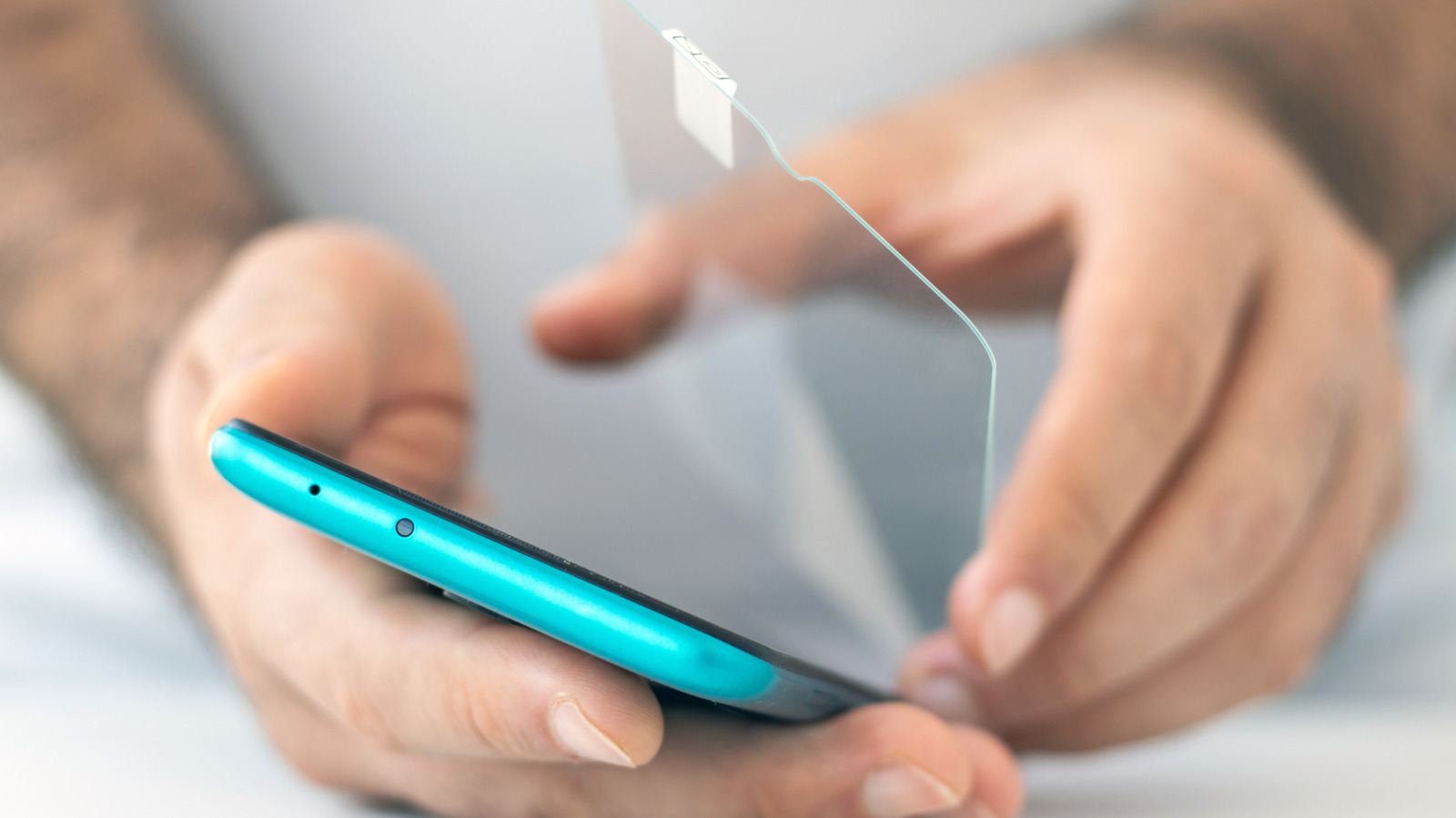 🧭Buying Guides
Photo: engadget.com
Key points
- Replace protectors showing signs of yellowing, peeling, or bubbling.
- Diminished touch sensitivity or persistent smudges indicate a worn oleophobic coating.
- Clean only with a microfiber cloth; avoid ammonia, bleach, and direct spraying.
While screen protectors serve as a vital barrier against scratches, cracks, and daily wear, they eventually degrade and lose their effectiveness. Visible damage is the most straightforward indicator that it is time for a replacement. If you notice peeling, bubbling, or deep scratches, the structural integrity of the shield is likely compromised. Beyond physical cracks, users should watch for signs of aging such as yellowing, a hazy appearance, or decreased touch sensitivity.
Another common issue is the degradation of the oleophobic coating, which is designed to repel oils from your fingers. If smudges and fingerprints are becoming increasingly difficult to wipe away, it is a clear sign that the protective layer has worn thin. While there is no fixed expiration date for these accessories, their lifespan is heavily influenced by your usage habits and the quality of the materials used.
Before you buy: Avoid using harsh chemicals like bleach, ammonia, or high-concentration alcohol to clean your screen, as these can strip away specialized coatings. Always use a microfiber cloth and avoid spraying liquids directly onto the device to prevent moisture damage. Note that foldable phones typically come with factory-installed protective layers and should not have additional aftermarket protectors applied.
Source engadget.com — engadget.com/2318871/signs-when-replace-phone-screen-protector/ ↗
Read next
 🛍️Sales Events
Anker MagStand Qi2 Wireless Charger Hits $90 All-Time Low in Black Friday Sales
Anker's MagStand 25W wireless charging station drops to $90 at Amazon, matching its lowest price ever, while a wave of Black Friday deals covers power banks, travel charg…
 🛍️Sales Events
Black Friday Laptop Deals: Lenovo, Best Buy, and Walmart Cut Prices on ThinkBook, Yoga, and Gaming Models
Major retailers have launched Black Friday doorbuster sales on laptops, with Lenovo's ThinkBook 14x dropping to $699 and Best Buy offering a Yoga 7i 2-in-1 for $649.99.
 🏠Home & Kitchen
Art Leon Mid-Century Modern Swivel Chair Drops to $144
The Art Leon swivel office chair is currently available for $144, offering a blend of home-friendly aesthetics and functional utility.
 👟Fashion & Beauty
Black Friday Fashion and Travel Savings: J.Crew Factory, Nordstrom Rack, and More
Retailers are rolling out significant pre-Black Friday discounts on apparel and travel gear, featuring clearance markdowns and promotional codes for new customers.
 💻Tech Deals
UGREEN MagFlow 25W 2-in-1 Travel Charger Hits New All-Time Low of $28
UGREEN has discounted its MagFlow 25W 2-in-1 travel charger to $28.49, marking a 53% price reduction for Black Friday week.
 🛍️Sales Events
Walmart Launches Second Wave of Black Friday Tech Deals
Walmart has released its second major round of Black Friday discounts, featuring significant price drops on Apple hardware, gaming consoles, and home theater equipment.