Essential Steps for Calibrating Your 3D Printer
Regular 3D printer calibration prevents failed prints and ensures dimensional accuracy. Learn how to maintain your machine through bed leveling, Z-offset adjustments, and proper filament flow tuning.
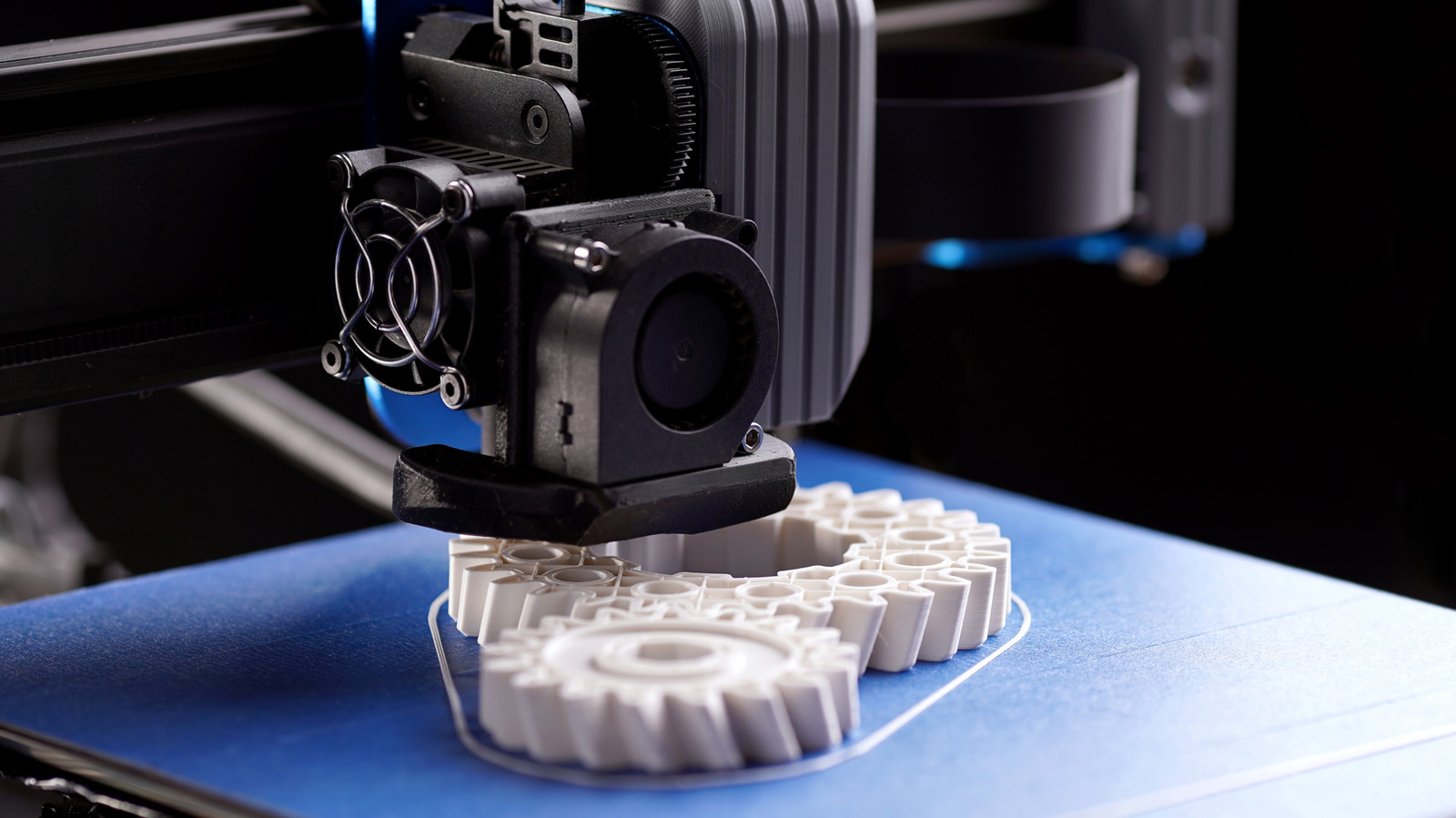 🧭Buying Guides
Photo: engadget.com
Key points
- Perform mechanical inspections and bed leveling as the first step in any calibration routine.
- Use first-layer test prints to fine-tune Z-offset and ensure proper adhesion.
- Adjust filament flow rates and nozzle temperatures in your slicer software to account for different material properties.
Maintaining a 3D printer is critical for avoiding wasted filament and ensuring your projects fit together properly. Whether you are using an entry-level machine with manual adjustment knobs or a modern unit with automated features, calibration is the foundation of reliable printing. It is recommended to perform these checks after moving the printer, replacing components like nozzles, or whenever you notice a decline in print quality.
The process begins with mechanical maintenance. Ensure your machine sits on a stable, level surface and inspect belts and toolheads for looseness. For models like the Bambu Lab A1 or Prusa MK4S, automated bed-leveling and Z-offset routines handle much of the heavy lifting. If you own a printer with manual leveling wheels, such as many Creality Ender or Elegoo Neptune 4 units, you must manually adjust the bed height until a piece of paper can slide between the nozzle and the build plate with light resistance.
Once the foundation is set, focus on the first layer. A successful test print should feature lines that touch and appear slightly flattened; gaps indicate the nozzle is too high, while ridges suggest it is too close. Beyond basic leveling, users should calibrate E-steps or rotation distance to ensure the extruder feeds the correct amount of material. Finally, use your slicer software—such as Bambu Studio, OrcaSlicer, or PrusaSlicer—to run temperature towers and flow-rate tests, as different filament brands often require unique settings for optimal results.
Before you buy: If you are currently shopping for a new 3D printer, prioritize models that offer automatic bed leveling and Z-offset calibration to significantly reduce the time spent on manual maintenance.
Source engadget.com — engadget.com/2310980/how-to-calibrate-3d-printer-why-should/ ↗
Read next
 🛍️Sales Events
Anker MagStand Qi2 Wireless Charger Hits $90 All-Time Low in Black Friday Sales
Anker's MagStand 25W wireless charging station drops to $90 at Amazon, matching its lowest price ever, while a wave of Black Friday deals covers power banks, travel charg…
 🛍️Sales Events
Black Friday Laptop Deals: Lenovo, Best Buy, and Walmart Cut Prices on ThinkBook, Yoga, and Gaming Models
Major retailers have launched Black Friday doorbuster sales on laptops, with Lenovo's ThinkBook 14x dropping to $699 and Best Buy offering a Yoga 7i 2-in-1 for $649.99.
 🏠Home & Kitchen
Art Leon Mid-Century Modern Swivel Chair Drops to $144
The Art Leon swivel office chair is currently available for $144, offering a blend of home-friendly aesthetics and functional utility.
 👟Fashion & Beauty
Black Friday Fashion and Travel Savings: J.Crew Factory, Nordstrom Rack, and More
Retailers are rolling out significant pre-Black Friday discounts on apparel and travel gear, featuring clearance markdowns and promotional codes for new customers.
 💻Tech Deals
UGREEN MagFlow 25W 2-in-1 Travel Charger Hits New All-Time Low of $28
UGREEN has discounted its MagFlow 25W 2-in-1 travel charger to $28.49, marking a 53% price reduction for Black Friday week.
 🛍️Sales Events
Walmart Launches Second Wave of Black Friday Tech Deals
Walmart has released its second major round of Black Friday discounts, featuring significant price drops on Apple hardware, gaming consoles, and home theater equipment.