Essential Maintenance Tips for Optimizing Your Android Device
Maximize the lifespan and performance of your Android smartphone by avoiding common maintenance mistakes and security oversights.
 🧭Buying Guides
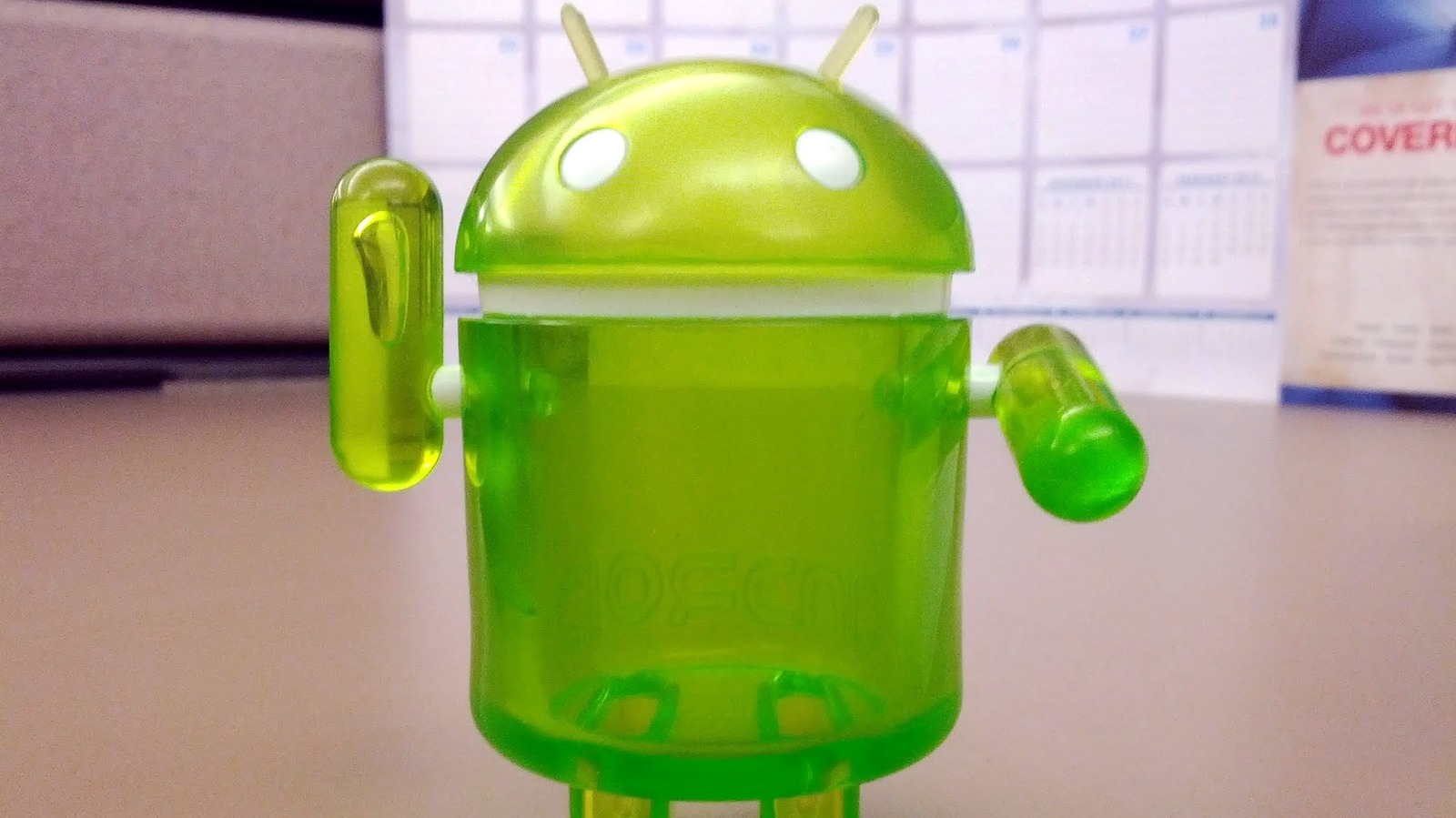
Photo: engadget.com
Key points
- Install all security patches immediately upon release.
- Restart your phone periodically to clear RAM and prevent performance lag.
- Avoid third-party app stores to minimize exposure to malicious software.
Maintaining your Android device requires more than just basic usage; it involves proactive security habits and memory management to keep the hardware running smoothly. Many users inadvertently compromise their phone's longevity by ignoring system updates or failing to manage background processes, leading to unnecessary performance degradation and security vulnerabilities.
Prioritizing Security and Updates
Security patches are critical for protecting your device against active threats. These updates address vulnerabilities that Google identifies and shares with manufacturers and chipmakers. By delaying these installations, you leave your device exposed to potential exploits. Furthermore, keeping your applications updated via the Google Play Store is essential for maintaining compatibility with sensitive services like mobile banking.
Managing Memory and Storage
Performance issues often stem from memory thrashing, a state where your phone repeatedly compresses and decompresses data because the RAM is overloaded. To prevent this, restart your device regularly to clear the memory and uninstall unused applications that may consume resources in the background. Additionally, ensure you maintain sufficient free storage space, as the system requires room to manage temporary cache files effectively.
Avoid installing applications from unverified third-party sources, as these often bypass the security protections found in the Google Play Store and may abuse accessibility permissions to compromise your data.
Before you buy: While these tips are free to implement, ensure your device is backed up before performing major system updates or factory resets to avoid data loss.
Source engadget.com — engadget.com/2317775/never-do-these-things-on-android-phone/ ↗
Read next
 🛍️Sales Events
Anker MagStand Qi2 Wireless Charger Hits $90 All-Time Low in Black Friday Sales
Anker's MagStand 25W wireless charging station drops to $90 at Amazon, matching its lowest price ever, while a wave of Black Friday deals covers power banks, travel charg…
 🛍️Sales Events
Black Friday Laptop Deals: Lenovo, Best Buy, and Walmart Cut Prices on ThinkBook, Yoga, and Gaming Models
Major retailers have launched Black Friday doorbuster sales on laptops, with Lenovo's ThinkBook 14x dropping to $699 and Best Buy offering a Yoga 7i 2-in-1 for $649.99.
 🏠Home & Kitchen
Art Leon Mid-Century Modern Swivel Chair Drops to $144
The Art Leon swivel office chair is currently available for $144, offering a blend of home-friendly aesthetics and functional utility.
 👟Fashion & Beauty
Black Friday Fashion and Travel Savings: J.Crew Factory, Nordstrom Rack, and More
Retailers are rolling out significant pre-Black Friday discounts on apparel and travel gear, featuring clearance markdowns and promotional codes for new customers.
 💻Tech Deals
UGREEN MagFlow 25W 2-in-1 Travel Charger Hits New All-Time Low of $28
UGREEN has discounted its MagFlow 25W 2-in-1 travel charger to $28.49, marking a 53% price reduction for Black Friday week.
 🛍️Sales Events
Walmart Launches Second Wave of Black Friday Tech Deals
Walmart has released its second major round of Black Friday discounts, featuring significant price drops on Apple hardware, gaming consoles, and home theater equipment.