How to Extend Your GPU’s Lifespan and Avoid Costly Replacements
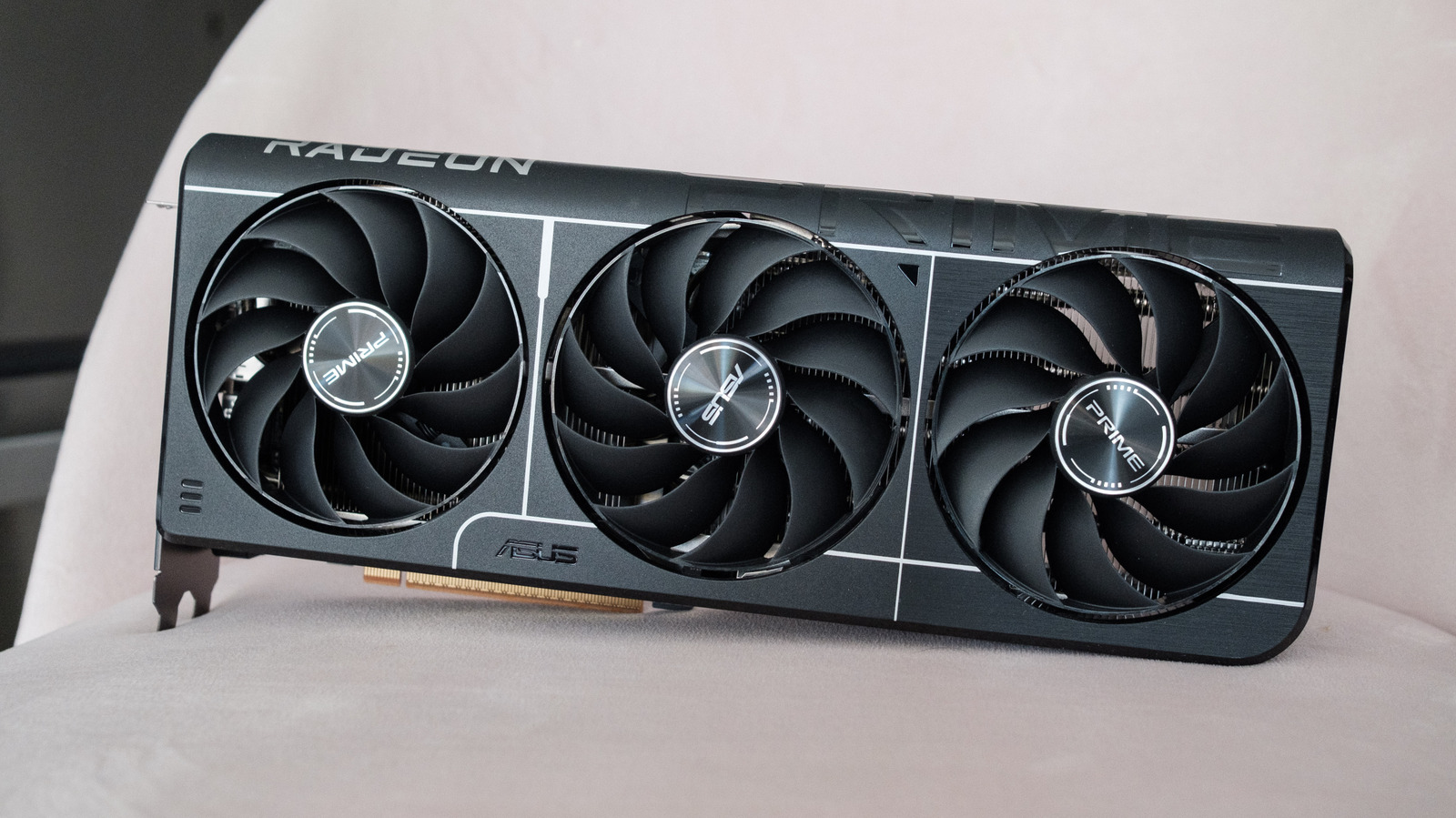
Maintaining your graphics card through regular cleaning can prevent thermal throttling and save hundreds of dollars in hardware replacement costs.
 🧭Buying Guides
Photo: engadget.com
Key points
- Clean your GPU every three to six months to maintain clock speeds and thermal health.
- Always discharge capacitors for 30 seconds before touching internal components.
- Never let GPU fans spin freely when using compressed air to avoid bearing and controller damage.
- Positive air pressure in a PC case can significantly reduce dust buildup over time.
Maintaining your graphics card is the most effective way to avoid the high costs of the 2026 hardware market. By cleaning your GPU every three to six months, you can prevent thermal throttling and extend the component's lifespan. Basic supplies like a microfiber cloth and 90% isopropyl alcohol are inexpensive, while an anti-static wrist strap can be found for roughly $8 to ensure safety during the process.
Safe Removal and Discharge Procedures
The cleaning process begins with a complete power-down. After switching the power supply to the "O" position, users should hold the PC's power button for 30 seconds to discharge internal capacitors. Removing the card is safest when the case is laid horizontally. For those using compressed air, it is vital to hold the can upright to avoid liquid discharge and to manually hold the GPU fans still. Allowing fans to spin freely under high-pressure air can damage bearings or send an electrical current back into the fan controller.
Reinstallation and Preventative Cooling
Reinstallation requires placing the card back into the fastest PCIe slot, which is typically the top-most position on the motherboard. Ensuring that PCIe power cables are fully seated is critical for stable operation. To reduce the frequency of these cleanings, enthusiasts should aim for a "positive air pressure" cooling setup, where the case intakes more air through filters than it exhausts, preventing dust from entering through unfiltered gaps.
Before you buy: Check your current GPU temperatures using software; if they are hitting thermal limits, a $15 cleaning kit is a more cost-effective first step than a $500 replacement.
Source engadget.com — engadget.com/2319541/safely-clean-pc-gpu-avoid-damage/ ↗
Read next
 🛍️Sales Events
Anker MagStand Qi2 Wireless Charger Hits $90 All-Time Low in Black Friday Sales
Anker's MagStand 25W wireless charging station drops to $90 at Amazon, matching its lowest price ever, while a wave of Black Friday deals covers power banks, travel charg…
 🛍️Sales Events
Black Friday Laptop Deals: Lenovo, Best Buy, and Walmart Cut Prices on ThinkBook, Yoga, and Gaming Models
Major retailers have launched Black Friday doorbuster sales on laptops, with Lenovo's ThinkBook 14x dropping to $699 and Best Buy offering a Yoga 7i 2-in-1 for $649.99.
 🏠Home & Kitchen
Art Leon Mid-Century Modern Swivel Chair Drops to $144
The Art Leon swivel office chair is currently available for $144, offering a blend of home-friendly aesthetics and functional utility.
 👟Fashion & Beauty
Black Friday Fashion and Travel Savings: J.Crew Factory, Nordstrom Rack, and More
Retailers are rolling out significant pre-Black Friday discounts on apparel and travel gear, featuring clearance markdowns and promotional codes for new customers.
 💻Tech Deals
UGREEN MagFlow 25W 2-in-1 Travel Charger Hits New All-Time Low of $28
UGREEN has discounted its MagFlow 25W 2-in-1 travel charger to $28.49, marking a 53% price reduction for Black Friday week.
 🛍️Sales Events
Walmart Launches Second Wave of Black Friday Tech Deals
Walmart has released its second major round of Black Friday discounts, featuring significant price drops on Apple hardware, gaming consoles, and home theater equipment.