Most iPhones Contain a Hidden Barometer — Here Is How to Access It
Discover how to unlock the hidden barometric pressure and elevation sensor built into almost every modern iPhone using third-party applications.
 🏠Home & Kitchen
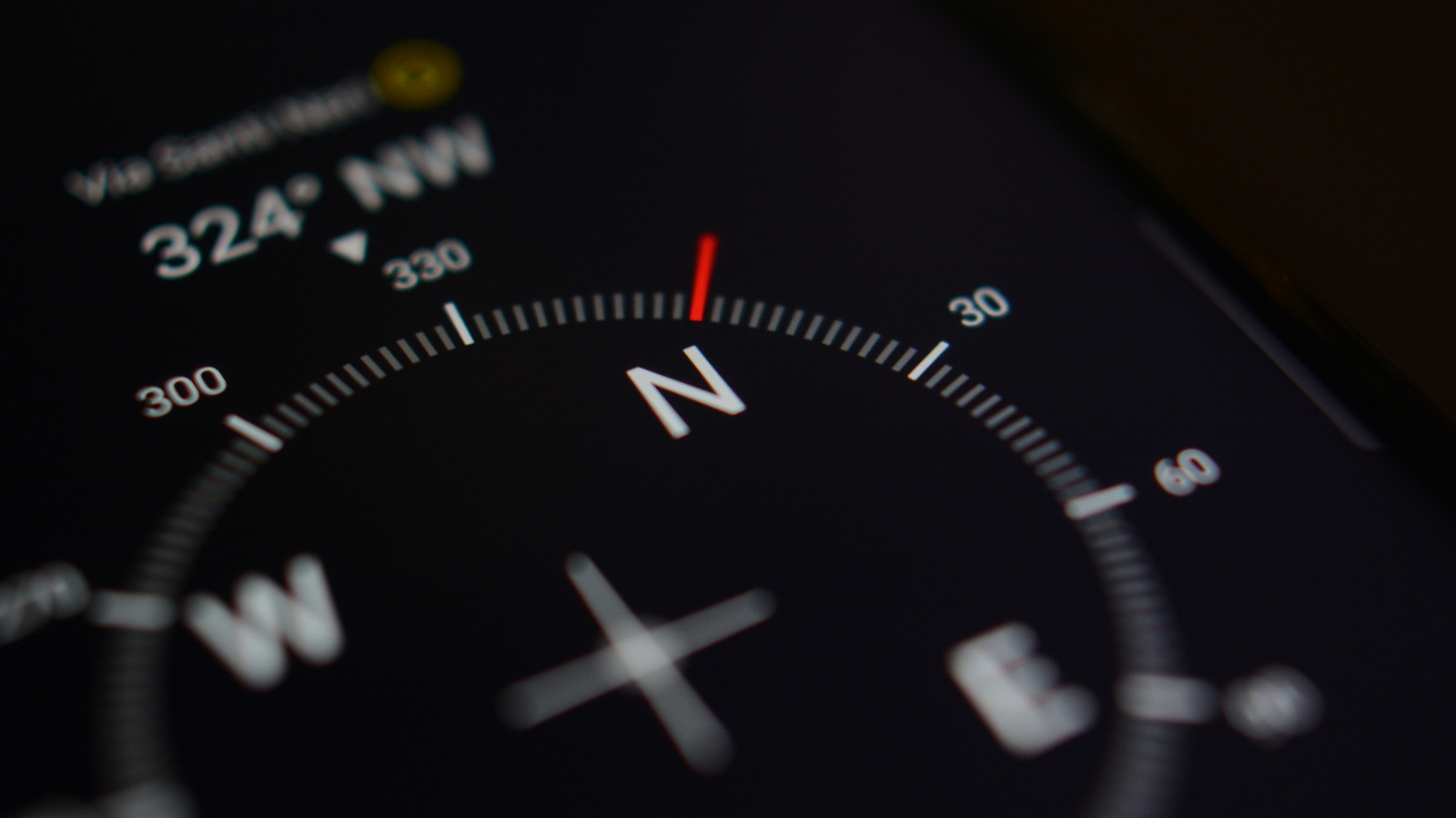
Photo: engadget.com
Key points
- Most iPhones since the 2014 iPhone 6 include a physical hardware barometer.
- Apple does not include a native app to view raw barometric data directly.
- Third-party apps like My Altitude and Barometer & Altimeter & Thermo can access the internal sensor.
Ever since the release of the iPhone 6 and 6 Plus back in 2014, the vast majority of Apple smartphones have secretly packed a built-in hardware barometer. While original first-generation iPhone SE models missed out on the inclusion, most modern devices utilize these atmospheric sensors to gauge relative elevation changes and assist internal motion tracking.
Apple never bundled a standalone, native app to read raw barometric data directly. Instead, the sensor primarily feeds information in the background to the Health app for metrics like stair-climbing and step counting, or assists developers via Core Motion frameworks for outdoor tracking. Even Apple's own Weather app bypasses the on-device sensor, relying instead on external meteorological data networks.
To view direct measurements from your phone's internal hardware, you must download third-party software explicitly designed to interface with the internal pressure sensor rather than pulling numbers from the internet. Tools like Barometer & Altimeter & Thermo or My Altitude utilize on-device sensors by default to calculate atmospheric pressure and altitude adjustments.
Before you buy: Both recommended apps are free to download, but rely on advertisements unless you opt for in-app purchases to remove them, and they require iOS 13 or later.
Keep in mind that barometric readings fluctuate based on both altitude and changing weather conditions. While walking up stairs creates noticeable shifts, incoming storm systems will also alter the pressure, meaning the sensor cannot distinguish between climbing a mountain and changing skies without GPS and weather station calibration.
Source engadget.com — engadget.com/2311121/iphone-barometric-pressure-app-and-how-it-work… ↗
Read next
 🛍️Sales Events
Anker MagStand Qi2 Wireless Charger Hits $90 All-Time Low in Black Friday Sales
Anker's MagStand 25W wireless charging station drops to $90 at Amazon, matching its lowest price ever, while a wave of Black Friday deals covers power banks, travel charg…
 🛍️Sales Events
Black Friday Laptop Deals: Lenovo, Best Buy, and Walmart Cut Prices on ThinkBook, Yoga, and Gaming Models
Major retailers have launched Black Friday doorbuster sales on laptops, with Lenovo's ThinkBook 14x dropping to $699 and Best Buy offering a Yoga 7i 2-in-1 for $649.99.
 🧭Buying Guides
Essential Gear for Frequent Travelers: A Gift Guide
Selecting the right travel accessories can significantly reduce the stress of trip planning and packing. This guide highlights functional items designed to streamline the…
 🧭Buying Guides
Essential Guide to Choosing an EPA-Certified Wood Stove
Upgrading to a modern, EPA-certified wood stove can improve home heating efficiency while reducing particulate pollution compared to older, uncertified models.
 👟Fashion & Beauty
Black Friday Fashion and Travel Savings: J.Crew Factory, Nordstrom Rack, and More
Retailers are rolling out significant pre-Black Friday discounts on apparel and travel gear, featuring clearance markdowns and promotional codes for new customers.
 🧭Buying Guides
Black Friday Kitchenware Deals: Navigating Early Holiday Savings
Major retailers are launching extensive Black Friday kitchenware sales, featuring significant discounts on premium appliances, cookware sets, and essential accessories. S…