Optimizing Your Home Network: Troubleshooting Bandwidth Bottlenecks
Before upgrading your internet plan or purchasing new hardware, assess your home network usage to identify the true source of connectivity issues.
 🏠Home & Kitchen
Photo: engadget.com
Key points
- Calculate total bandwidth needs based on simultaneous device usage.
- Use Ethernet cables for stationary devices to clear Wi-Fi traffic.
- Check router placement and configuration before buying new equipment.
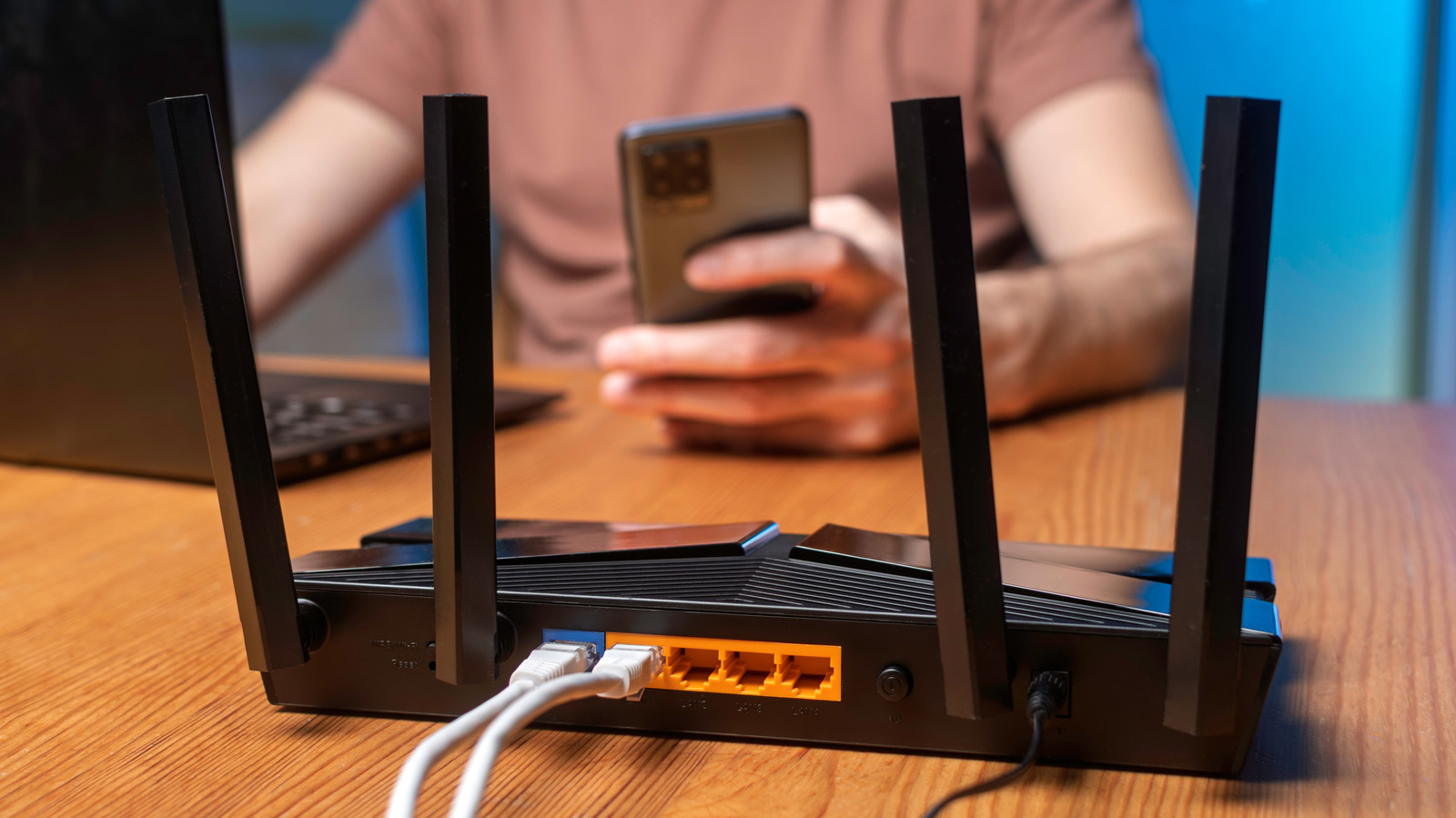
Many households experience frustrating buffering, lag, and slow download speeds when too many devices compete for the same network bandwidth. These performance drops often occur because users fail to account for the cumulative data consumption of modern connected devices, from 4K streaming services to smart home appliances. Understanding the balance between your Internet Service Provider (ISP) plan and your local Wi-Fi hardware is essential for maintaining a stable connection.
Network performance is limited by two primary factors: the speed provided by your ISP and the efficiency of your router's signal distribution. A high-speed internet plan cannot compensate for a poorly placed router, and a cutting-edge router cannot overcome an insufficient data plan. To diagnose your network, estimate the simultaneous bandwidth needs of your devices; for example, a single 4K stream typically requires 15 Mbps. If your total device usage regularly exceeds your ISP's download capacity, you will experience performance degradation regardless of your equipment.
Before investing in expensive hardware upgrades, consider optimizing your existing setup. Moving stationary devices like gaming consoles or PCs to a wired Ethernet connection can significantly reduce Wi-Fi congestion. If you must add a mesh system, ensure it is configured correctly to avoid double NAT issues that can disrupt online gaming. By auditing your current device load and prioritizing bandwidth for essential tasks, you can often resolve connectivity problems without additional costs.
Before you buy: Evaluate your current ISP plan and router placement before purchasing new networking gear, as hardware upgrades cannot fix underlying bandwidth shortages.
Source engadget.com — engadget.com/2319295/what-can-happen-too-many-devices-on-home-netwo… ↗
Read next
 🛍️Sales Events
Anker MagStand Qi2 Wireless Charger Hits $90 All-Time Low in Black Friday Sales
Anker's MagStand 25W wireless charging station drops to $90 at Amazon, matching its lowest price ever, while a wave of Black Friday deals covers power banks, travel charg…
 🛍️Sales Events
Black Friday Laptop Deals: Lenovo, Best Buy, and Walmart Cut Prices on ThinkBook, Yoga, and Gaming Models
Major retailers have launched Black Friday doorbuster sales on laptops, with Lenovo's ThinkBook 14x dropping to $699 and Best Buy offering a Yoga 7i 2-in-1 for $649.99.
 🧭Buying Guides
Essential Gear for Frequent Travelers: A Gift Guide
Selecting the right travel accessories can significantly reduce the stress of trip planning and packing. This guide highlights functional items designed to streamline the…
 🧭Buying Guides
Essential Guide to Choosing an EPA-Certified Wood Stove
Upgrading to a modern, EPA-certified wood stove can improve home heating efficiency while reducing particulate pollution compared to older, uncertified models.
 👟Fashion & Beauty
Black Friday Fashion and Travel Savings: J.Crew Factory, Nordstrom Rack, and More
Retailers are rolling out significant pre-Black Friday discounts on apparel and travel gear, featuring clearance markdowns and promotional codes for new customers.
 🧭Buying Guides
Black Friday Kitchenware Deals: Navigating Early Holiday Savings
Major retailers are launching extensive Black Friday kitchenware sales, featuring significant discounts on premium appliances, cookware sets, and essential accessories. S…