Troubleshooting SIM Card Errors and No-Service Issues on Your Smartphone
If your phone displays a 'No SIM' error or loses cellular connectivity, follow these diagnostic steps to restore your connection.
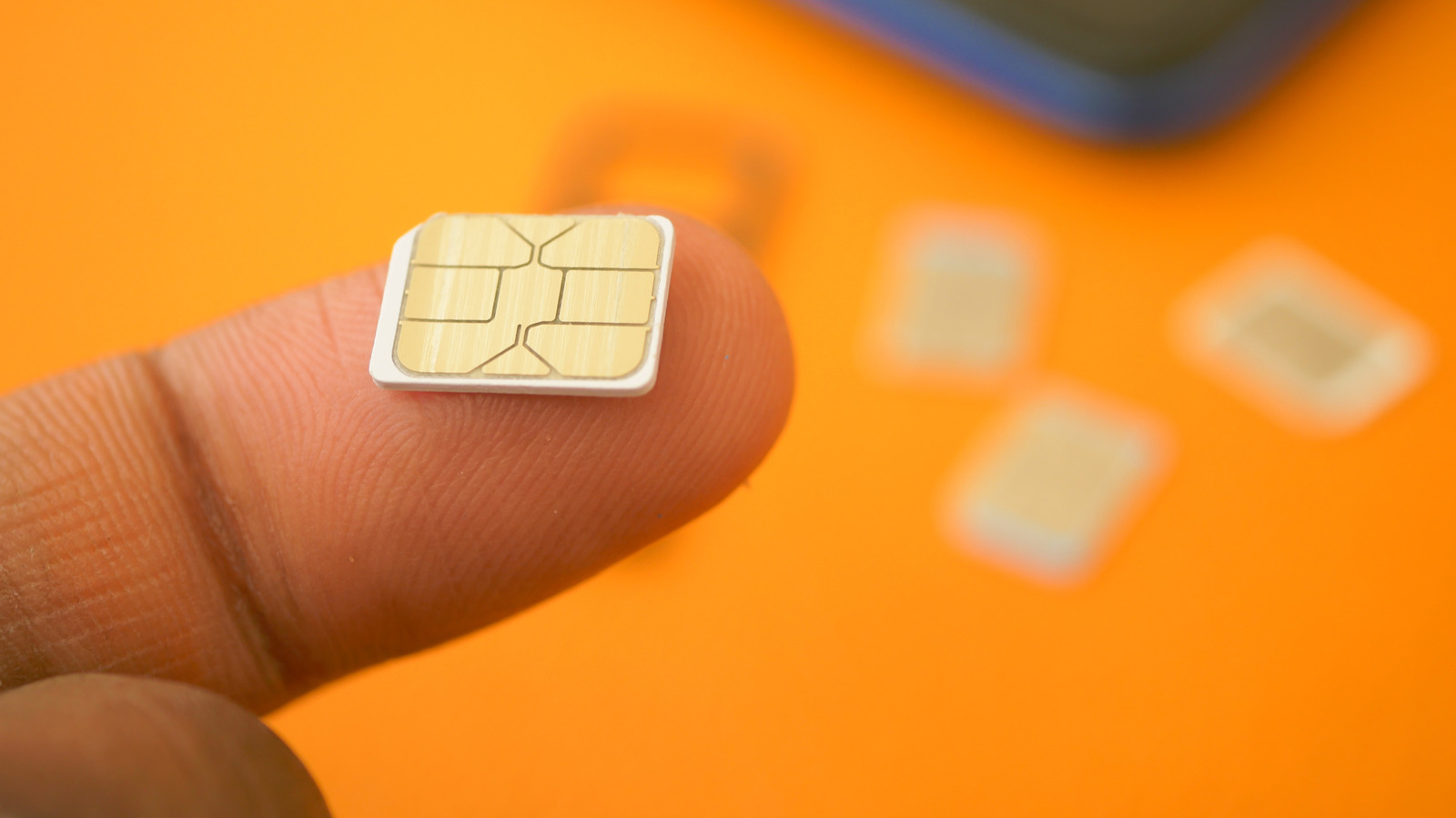 💻Tech Deals
Photo: engadget.com
Key points
- Reinsert physical SIM cards to ensure proper contact.
- Check for carrier outages before assuming a device failure.
- Use network reset options to fix persistent software connection errors.
Experiencing a sudden loss of cellular service or a "No SIM card installed" notification can be frustrating, but these issues are often resolved through simple troubleshooting. A SIM card serves as the secure link between your device and your mobile provider; if it becomes unseated due to a drop or improper installation, your phone may lose its ability to make calls or send texts.
Physical and Network Troubleshooting
For physical SIM cards, the first step is often to use a SIM ejector tool, or a paperclip, to remove the card and reinsert it to ensure it is properly seated. If the hardware appears fine, verify if your carrier is experiencing a local network outage by checking with friends who use the same provider or testing a different device on a separate network.
Software and Account Checks
- Toggle Airplane Mode: A quick reset of your phone's radio by turning Airplane Mode on and off can often resolve minor software glitches.
- Network Reset: Performing a network settings reset—found in the Transfer or Reset menu on iPhone or Reset Options on Android—can clear connectivity errors without deleting personal files.
- Account Status: Ensure your mobile bill is paid, as missed payments can lead to automatic service suspension.
- eSIM Settings: If you use an eSIM, check your settings under 'Cellular' on iPhone or 'SIM Manager' on Android; enabling data roaming may resolve connectivity issues, especially during travel.
Before you buy: If these troubleshooting steps fail to restore your connection, contact your mobile carrier directly to rule out a damaged SIM card or an account-level restriction.
Source engadget.com — engadget.com/2319140/phone-says-no-service-with-sim-card/ ↗
Read next
 🛍️Sales Events
Anker MagStand Qi2 Wireless Charger Hits $90 All-Time Low in Black Friday Sales
Anker's MagStand 25W wireless charging station drops to $90 at Amazon, matching its lowest price ever, while a wave of Black Friday deals covers power banks, travel charg…
 🛍️Sales Events
Black Friday Laptop Deals: Lenovo, Best Buy, and Walmart Cut Prices on ThinkBook, Yoga, and Gaming Models
Major retailers have launched Black Friday doorbuster sales on laptops, with Lenovo's ThinkBook 14x dropping to $699 and Best Buy offering a Yoga 7i 2-in-1 for $649.99.
 🧭Buying Guides
Essential Gear for Frequent Travelers: A Gift Guide
Selecting the right travel accessories can significantly reduce the stress of trip planning and packing. This guide highlights functional items designed to streamline the…
 🧭Buying Guides
Essential Guide to Choosing an EPA-Certified Wood Stove
Upgrading to a modern, EPA-certified wood stove can improve home heating efficiency while reducing particulate pollution compared to older, uncertified models.
 🏠Home & Kitchen
Art Leon Mid-Century Modern Swivel Chair Drops to $144
The Art Leon swivel office chair is currently available for $144, offering a blend of home-friendly aesthetics and functional utility.
 👟Fashion & Beauty
Black Friday Fashion and Travel Savings: J.Crew Factory, Nordstrom Rack, and More
Retailers are rolling out significant pre-Black Friday discounts on apparel and travel gear, featuring clearance markdowns and promotional codes for new customers.