How to Enable Always-On USB Charging on Your PC
Many PCs feature hidden power settings that allow USB ports to charge mobile devices even when the computer is powered down. This guide explains how to identify and activate this functionality.
 💻Tech Deals
Photo: engadget.com
Key points
- Check your PC manual for specific port icons like lightning bolts or battery symbols.
- Access BIOS/UEFI settings to enable USB power delivery if it is not active by default.
- Disable ErP or Deep Sleep settings in the firmware, as these often conflict with standby charging.
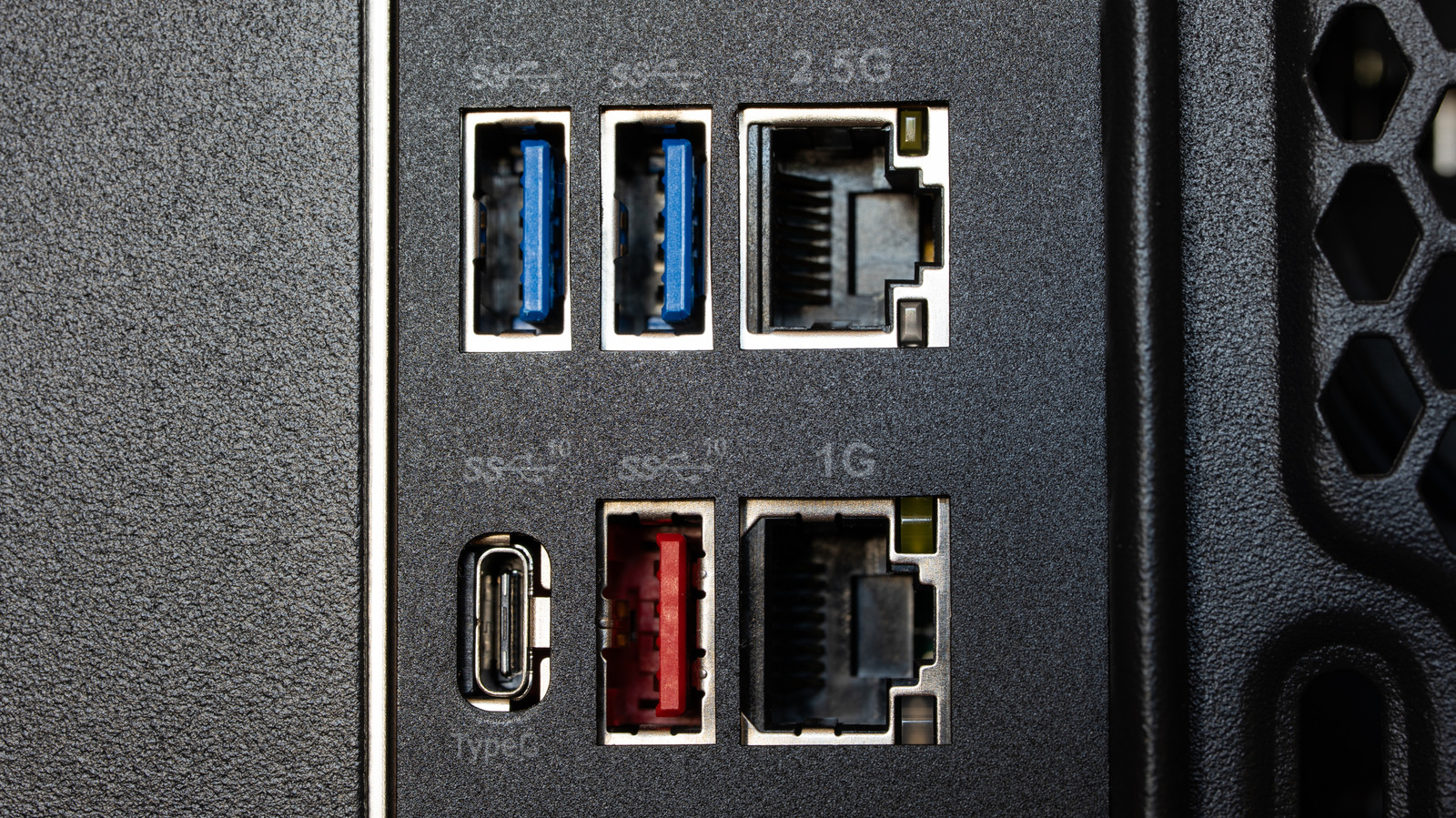
Many modern computers include a convenient feature that allows USB ports to continue supplying power to peripherals or mobile devices even after the machine has been shut down. While this capability is standard on many systems, manufacturers use inconsistent terminology, such as Lenovo’s "Always On" or Dell’s "PowerShare," making it difficult for users to identify which ports support the function.
To determine if your system supports this, check your computer or motherboard manual for specific port markings, such as a battery icon or a lightning bolt. You can also perform a simple test by plugging in your device while the PC is turned off. If charging does not initiate, you may need to adjust your BIOS or UEFI settings. By accessing the startup menu—typically via the F2, Del, or F10 keys—you can navigate to power or chipset configurations to enable USB power delivery. Users should ensure that "ErP" or "Deep Sleep" energy-saving modes are disabled, as these settings often override standby power.
Before you buy: Note that this feature depends on hardware support; if your motherboard or laptop does not natively support standby power delivery, software adjustments will not enable it. Always check your specific system documentation before changing firmware settings, as configurations vary significantly between manufacturers.
Source engadget.com — engadget.com/2319291/how-to-enable-usb-port-charging-pc-off/ ↗
Read next
 🛍️Sales Events
Anker MagStand Qi2 Wireless Charger Hits $90 All-Time Low in Black Friday Sales
Anker's MagStand 25W wireless charging station drops to $90 at Amazon, matching its lowest price ever, while a wave of Black Friday deals covers power banks, travel charg…
 🛍️Sales Events
Black Friday Laptop Deals: Lenovo, Best Buy, and Walmart Cut Prices on ThinkBook, Yoga, and Gaming Models
Major retailers have launched Black Friday doorbuster sales on laptops, with Lenovo's ThinkBook 14x dropping to $699 and Best Buy offering a Yoga 7i 2-in-1 for $649.99.
 🧭Buying Guides
Essential Gear for Frequent Travelers: A Gift Guide
Selecting the right travel accessories can significantly reduce the stress of trip planning and packing. This guide highlights functional items designed to streamline the…
 🧭Buying Guides
Essential Guide to Choosing an EPA-Certified Wood Stove
Upgrading to a modern, EPA-certified wood stove can improve home heating efficiency while reducing particulate pollution compared to older, uncertified models.
 🏠Home & Kitchen
Art Leon Mid-Century Modern Swivel Chair Drops to $144
The Art Leon swivel office chair is currently available for $144, offering a blend of home-friendly aesthetics and functional utility.
 👟Fashion & Beauty
Black Friday Fashion and Travel Savings: J.Crew Factory, Nordstrom Rack, and More
Retailers are rolling out significant pre-Black Friday discounts on apparel and travel gear, featuring clearance markdowns and promotional codes for new customers.