Understanding the Android VPN Key Icon
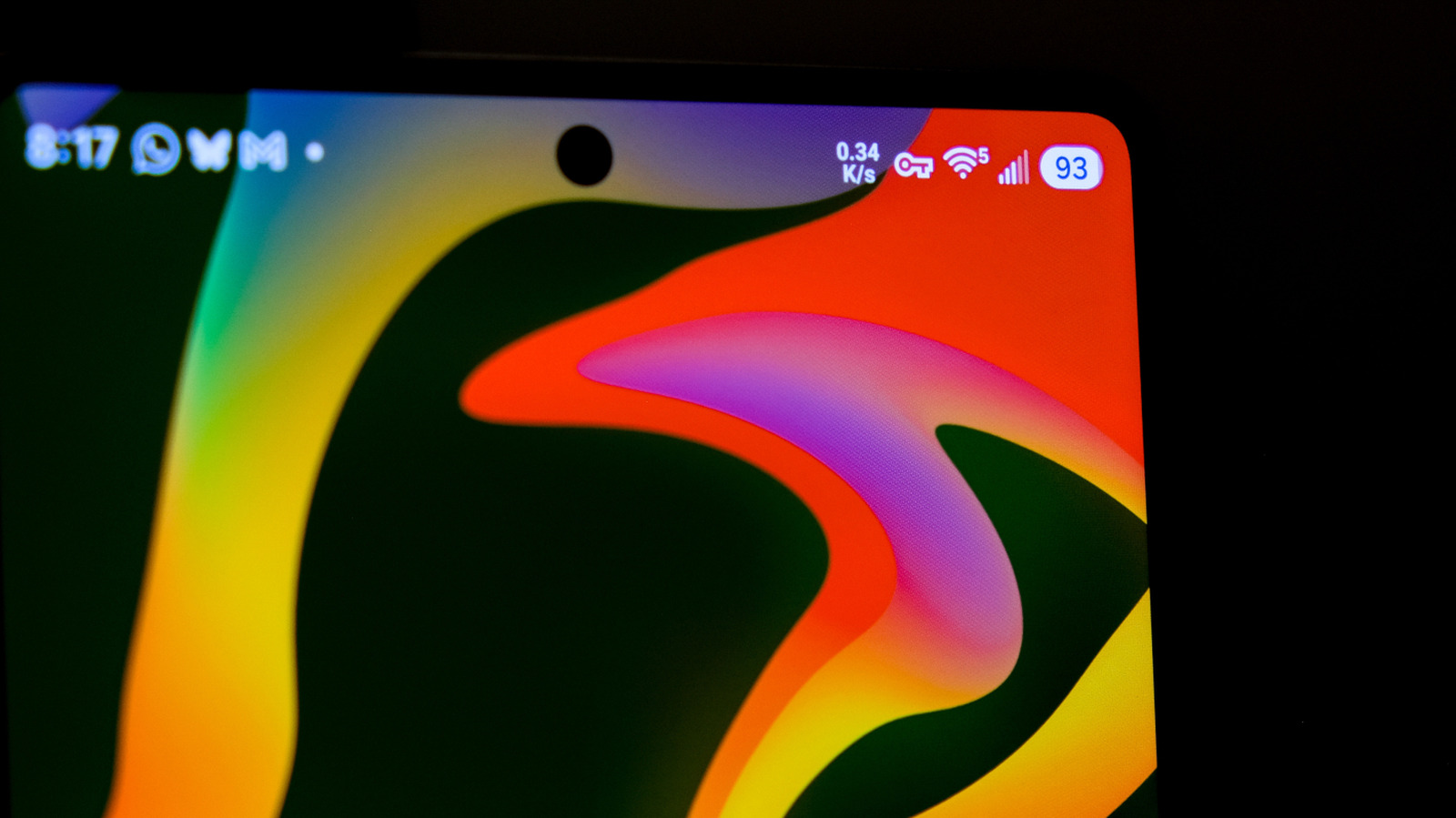
The small key icon appearing in your Android status bar indicates an active VPN connection, serving as a security notification for encrypted web traffic.
 💻Tech Deals
Photo: engadget.com
Key points
- The key icon indicates that your device's internet traffic is currently being routed through an active VPN.
- Most Android devices do not allow users to hide this icon, as it is considered a critical privacy notification.
- Samsung users can hide the icon using the Good Lock app, but otherwise, the only way to remove it is to disconnect the VPN.
If you have noticed a small, left-facing key icon in your Android status bar, it is not a cause for alarm. This symbol serves as a visual indicator that your device is currently connected to a Virtual Private Network (VPN), which encrypts your internet traffic to protect your data from third parties.
For most Android users, this icon is a permanent fixture while a VPN is active, as it serves as an important security notification. Removing the icon is generally not possible, with the notable exception of Samsung Galaxy devices. Owners of Samsung phones can download the Good Lock customization suite from the Galaxy Store and use the QuickStar module to toggle the visibility of the key indicator.
If you wish to remove the icon, you must disable the active VPN connection. This can typically be done through the VPN’s dedicated app, via the Android Quick Settings menu, or by navigating to the VPN section within your phone's network settings. Once the connection is terminated, the key icon will disappear from your status bar.
Before you buy: While VPNs provide an extra layer of privacy by masking your IP address, they do not guarantee total anonymity. Be aware that some websites may trigger additional CAPTCHAs or block access entirely when they detect a VPN connection.
Source engadget.com — engadget.com/2319509/what-tiny-key-icon-means-android-device/ ↗
Read next
 🛍️Sales Events
Anker MagStand Qi2 Wireless Charger Hits $90 All-Time Low in Black Friday Sales
Anker's MagStand 25W wireless charging station drops to $90 at Amazon, matching its lowest price ever, while a wave of Black Friday deals covers power banks, travel charg…
 🛍️Sales Events
Black Friday Laptop Deals: Lenovo, Best Buy, and Walmart Cut Prices on ThinkBook, Yoga, and Gaming Models
Major retailers have launched Black Friday doorbuster sales on laptops, with Lenovo's ThinkBook 14x dropping to $699 and Best Buy offering a Yoga 7i 2-in-1 for $649.99.
 🧭Buying Guides
Essential Gear for Frequent Travelers: A Gift Guide
Selecting the right travel accessories can significantly reduce the stress of trip planning and packing. This guide highlights functional items designed to streamline the…
 🧭Buying Guides
Essential Guide to Choosing an EPA-Certified Wood Stove
Upgrading to a modern, EPA-certified wood stove can improve home heating efficiency while reducing particulate pollution compared to older, uncertified models.
 🏠Home & Kitchen
Art Leon Mid-Century Modern Swivel Chair Drops to $144
The Art Leon swivel office chair is currently available for $144, offering a blend of home-friendly aesthetics and functional utility.
 👟Fashion & Beauty
Black Friday Fashion and Travel Savings: J.Crew Factory, Nordstrom Rack, and More
Retailers are rolling out significant pre-Black Friday discounts on apparel and travel gear, featuring clearance markdowns and promotional codes for new customers.