Managing Smartphone Location Permissions: A Privacy Guide
Modern smartphones offer significant convenience through location sharing, but users must balance these features against potential privacy risks.
 💻Tech Deals
Photo: engadget.com
Key points
- Use granular permission settings to restrict apps to 'While Using' access.
- Manual address entry is a safer alternative to constant GPS tracking for delivery apps.
- Review social media settings to prevent public geotagging of your location.
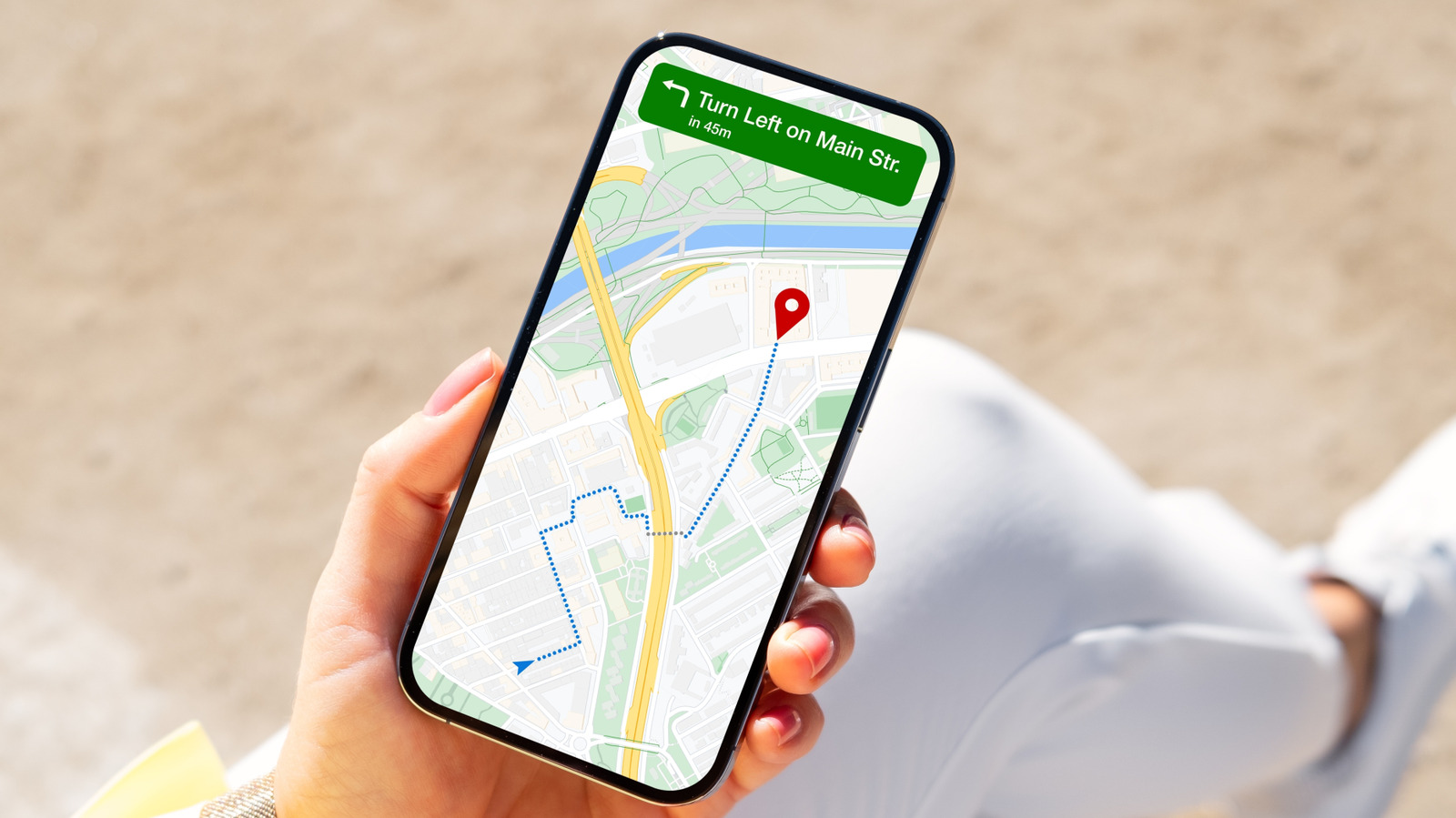
Modern smartphones frequently request location access to enable features ranging from navigation and food delivery to emergency services. While granting permission is necessary for apps like Google Maps or Apple Maps to function, users are often prompted to share data with services that do not strictly require it. Evaluating which apps truly need your location can help mitigate risks, as some data can be resold to third parties or exploited by malicious actors.
There are clear benefits to controlled location sharing. Features such as Apple's Find My, Google's Find My Device, and Bluetooth trackers like AirTags provide essential tools for recovering lost items. Additionally, safety-focused tools like Uber's trip sharing or the Personal Safety app on Pixel devices offer peace of mind during travel or in the event of an accident. Recent updates to iOS and Android now allow for more granular control, letting users share their location for specific durations or temporarily hide their status from contacts.
However, oversharing carries significant dangers. Publicly geotagging social media posts or leaving fitness routes visible on apps like Strava can inadvertently reveal personal routines to stalkers. To protect your privacy, consider manually entering addresses for delivery services instead of granting background tracking, and review the permissions of every app you install. Being mindful of these settings ensures you can enjoy the utility of modern technology without compromising your personal security.
Before you buy: Always check app permission settings in your device's privacy menu. Opt for 'While Using the App' rather than 'Always' whenever possible to limit unnecessary data collection.
Source engadget.com — engadget.com/2319550/pros-and-cons-sharing-your-location/ ↗
Read next
 🛍️Sales Events
Anker MagStand Qi2 Wireless Charger Hits $90 All-Time Low in Black Friday Sales
Anker's MagStand 25W wireless charging station drops to $90 at Amazon, matching its lowest price ever, while a wave of Black Friday deals covers power banks, travel charg…
 🛍️Sales Events
Black Friday Laptop Deals: Lenovo, Best Buy, and Walmart Cut Prices on ThinkBook, Yoga, and Gaming Models
Major retailers have launched Black Friday doorbuster sales on laptops, with Lenovo's ThinkBook 14x dropping to $699 and Best Buy offering a Yoga 7i 2-in-1 for $649.99.
 🧭Buying Guides
Essential Gear for Frequent Travelers: A Gift Guide
Selecting the right travel accessories can significantly reduce the stress of trip planning and packing. This guide highlights functional items designed to streamline the…
 🧭Buying Guides
Essential Guide to Choosing an EPA-Certified Wood Stove
Upgrading to a modern, EPA-certified wood stove can improve home heating efficiency while reducing particulate pollution compared to older, uncertified models.
 🏠Home & Kitchen
Art Leon Mid-Century Modern Swivel Chair Drops to $144
The Art Leon swivel office chair is currently available for $144, offering a blend of home-friendly aesthetics and functional utility.
 👟Fashion & Beauty
Black Friday Fashion and Travel Savings: J.Crew Factory, Nordstrom Rack, and More
Retailers are rolling out significant pre-Black Friday discounts on apparel and travel gear, featuring clearance markdowns and promotional codes for new customers.